This week brings less manual entry and more control over your everyday work: extract custom-field values from lead emails, choose the number your automated process texts use, and keep deadlines and maintenance stages in step with changing information.
Leads & Pipelines
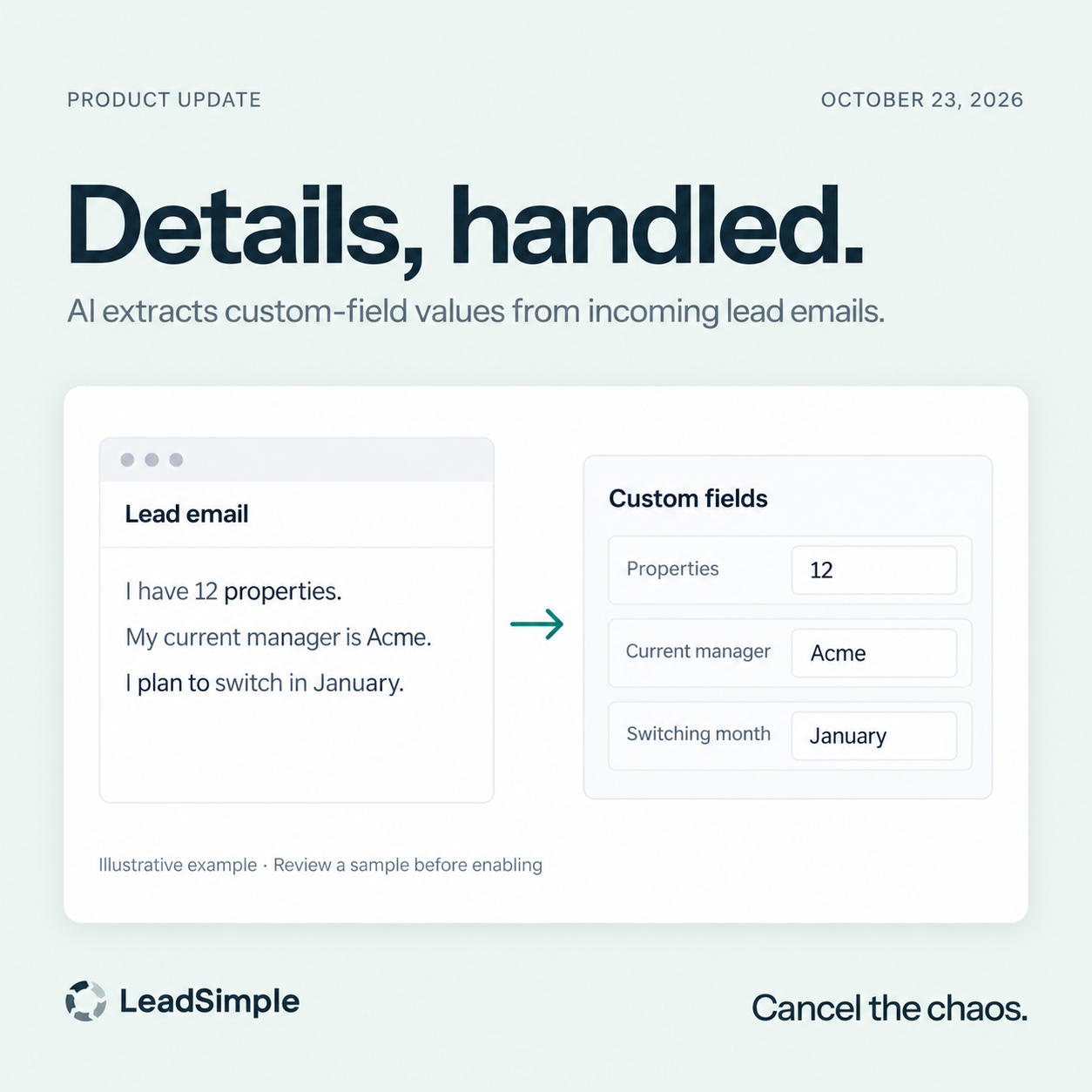
- ✨ Turn lead emails into useful details. Admins can enable AI extraction for selected custom fields in a Pipeline’s source settings, with instructions for what to look for. Test a sample email successfully before enabling it; validated values are available to the lead’s initial workflow, helping you put those details to work without custom parser code.
- 🧭 Give assignment rules recognizable names. Name or rename your lead-assignment rules so you can tell similar rules apart at a glance, without changing how leads are assigned.
- 📥 Keep imported leads easier to work with. New self-service imports handle the generic Phones column correctly so lead and contact details open reliably. Website contact imports also recognize names in more notification formats.
Processes & Texting
- 💬 Choose the number your process texts use. Set a default outbound number for automated texts in a Process’s General Settings, with per-user overrides when teammates need a different line. Automated text tasks show the effective sending number and configuration warnings, so your team can check the setup before messages go out.
- 📅 Let deadlines follow the dates behind them. Newly created processes with automatic due dates retain their calculation rule and recalculate when the source date changes, including supported custom dates and work-order dates. Related tasks and reminders follow the update; manually overridden deadlines, existing process deadlines, and closed processes stay as they are.
Maintenance & Integrations
- 🔄 Keep Rentvine work orders and process stages in step. With the Maintenance add-on and work-order sync configured, you can opt in to Move processes when Rentvine work order statuses change in Rentvine settings. Review your status mappings first: subsequent Rentvine status changes can move linked processes between open stages, close them, or reopen them; enabling the setting does not move existing processes to match their current Rentvine status.
- 🏠 Keep your synced portfolio current. Unit statuses refresh more reliably when you resume an integration or change property filters and groups. Concurrent syncs are also less likely to create duplicate tenant records.
Phone, Inbox & E-signatures
- 📞 See waiting calls under the right team. The live phone view attributes queued calls to the queue’s teams, helping you focus on the calls your team is responsible for.
- 📬 Read messages with empty HTML. When an email’s HTML body has no usable content but a plain-text version is available, Inbox displays that text so you can still read the message.
- ✍️ Use more of your existing PDFs. Native e-signatures support encrypted PDFs that open without a password. Documents requiring a password or carrying an existing digital signature remain unsupported.
API
- 🔌 Build more useful reporting and Inbox integrations. The REST API exposes recorded lead stage-change history with date filters and pagination, so you can backfill lifecycle reporting. Conversation requests can also filter by open, closed, or snoozed status instead of paging through every conversation.