This week brings simpler document signing, more useful team views, and less manual routing. You’ll also find new ways to reuse messages and coordinate work in LeadSimple One, plus reliability improvements across calling, contacts, and integrations.
E-signatures
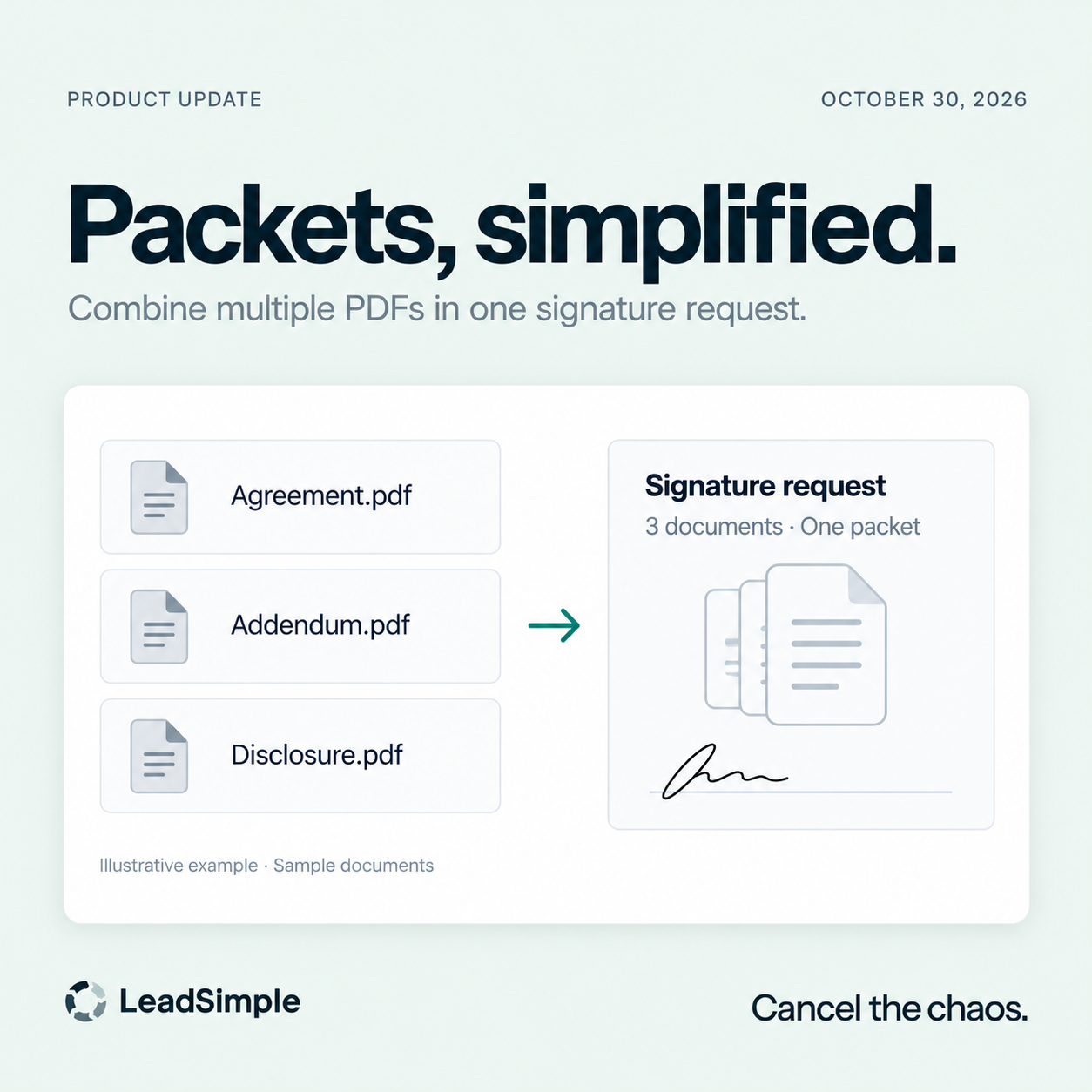
- ✍️ Bring your documents into one packet. Combine multiple PDFs into a reusable native e-signature template, with labels and a document order you control. Replace a PDF in a draft without interrupting the published template or requests you’ve already sent.
- 👥 Give each signer the right role. Assign a specific contact to each document role in a process, including separate roles for multiple tenants. Keep the default signing order, or let recipients sign in any order.
Inbox & Team Visibility
- 📬 Route conversations by what they say. Use keywords or phrases in incoming emails and texts to assign conversations automatically. Matching ignores capitalization and works with your existing assignment criteria and rule order.
- 🔎 See the processes your team owns. Filter primary and role assignees by team. Saved views follow the team’s current membership, helping you keep a useful view as responsibilities change.
- 📊 Review phone availability over time. Admins and team managers can review recorded Available, Busy, and Away intervals in LeadSimple Phone, filter by date, team, or agent, and export a CSV. Managers see their own teams; history covers the availability recorded since tracking began.
LeadSimple One
- 💬 Reuse the messages your team already relies on. Insert quick replies and shared email or text templates when composing or replying, with merge fields from linked records and warnings for unresolved placeholders. Replace your draft, add the template below it, or keep what you’ve written.
- 🔔 Bring a teammate into the conversation. Use @mentions in record and Inbox notes to notify teammates. The people picker respects access to the record or conversation.
- 🏠 Keep property context beside your tasks. Tasks show their linked property or unit in the list, including while the detail panel is open, so you can see where the work belongs.
- 🎯 Build campaign audiences around your portfolio. Use property groups and synced owner, resident, and city relationships to narrow your campaign audience.
Everyday Reliability
- 📞 Keep calling aligned with your setup. Eligible voicemail-only and text-only numbers can be used for outbound calls while preserving their inbound routing. Phone hours also handle the America/Phoenix time zone more reliably.
- 📇 Keep contact details connected. Home and Office addresses save more dependably, and Rent Manager tenant-contact links stay connected to the correct parent tenant.
- ⚙️ Copy workflows with fewer interruptions. Workflow copies are no longer blocked just because unused dropdown options differ between the source and destination.