What sets LeadSimple apart from other software vendors? “One thing I’ve noticed about LeadSimple is that they actually listen to property managers.” - Owner, The Perfect Tenant Check out the latest features we’ve built for YOU!
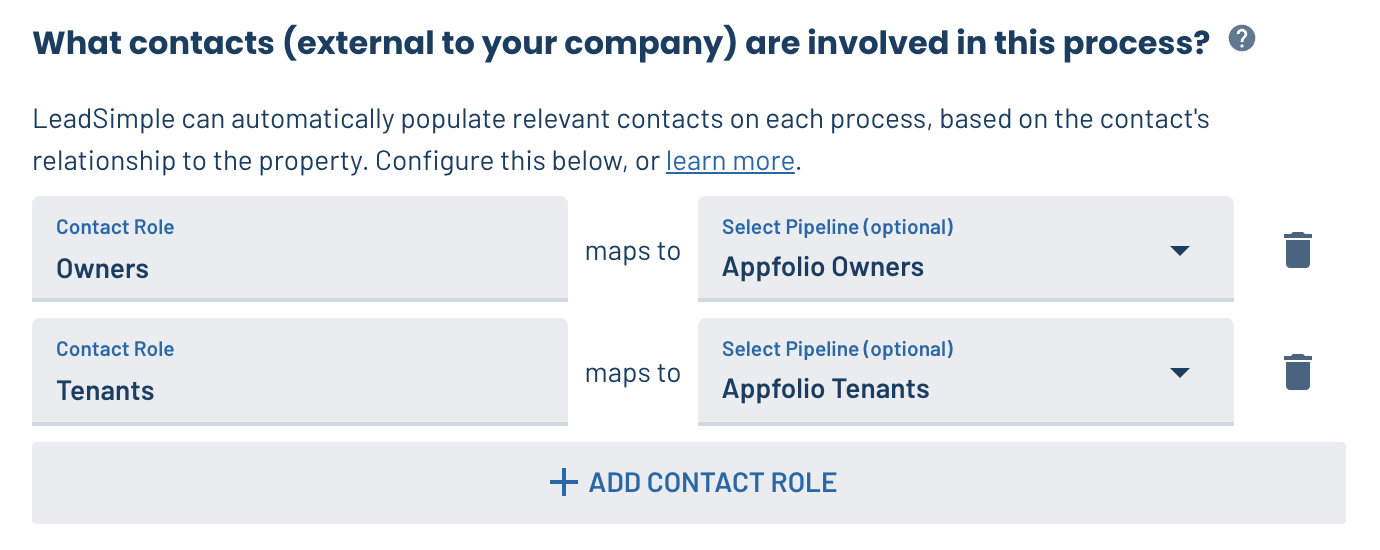
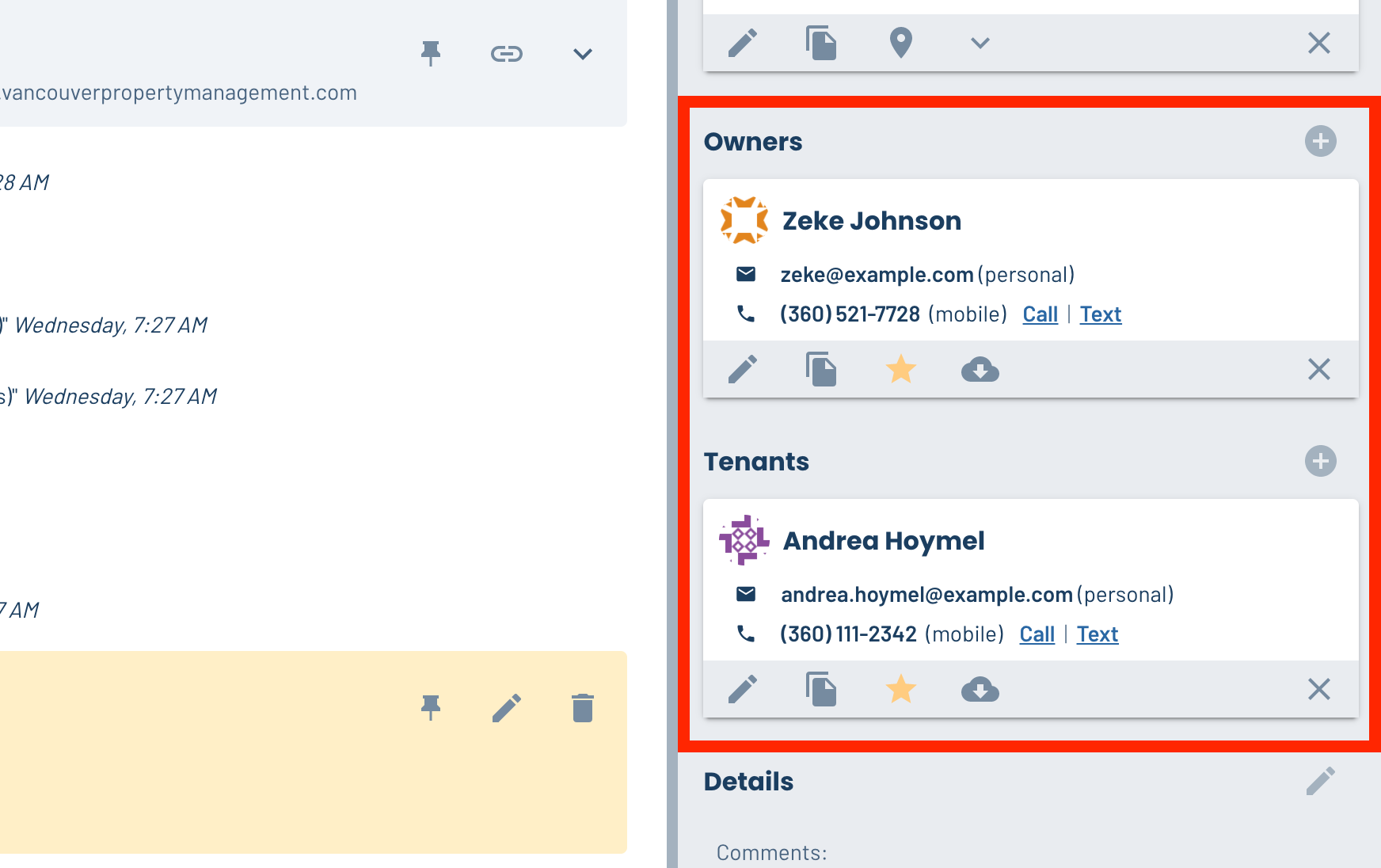
👨💼 Sort contact roles in order of importance on processes
On an Application, the tenant is the most important contact, so their information needs to be easy to access. Owners are more important in Owner Onboarding. Now you can choose the order of contact roles on processes by creating them in the Process Type General settings in the order you want them displayed on the process.
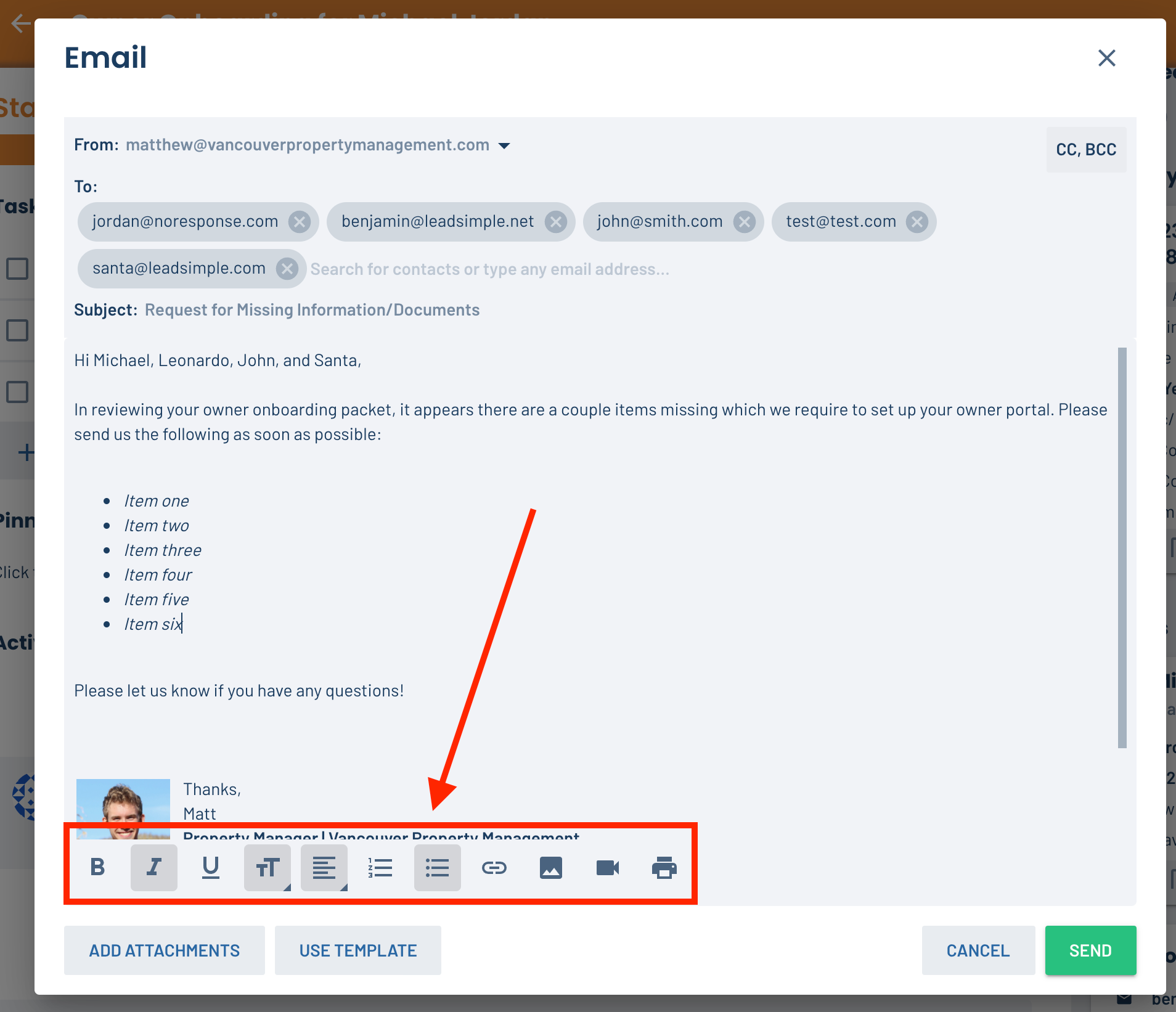
✏️ Make the editor toolbar scroll with you in emails, templates, and task instructions
Before some recent updates, the toolbar used to float at the bottom of email, template, and instructions editors. We added this feature back to the new editor so you don’t have to scroll down to access the toolbar!
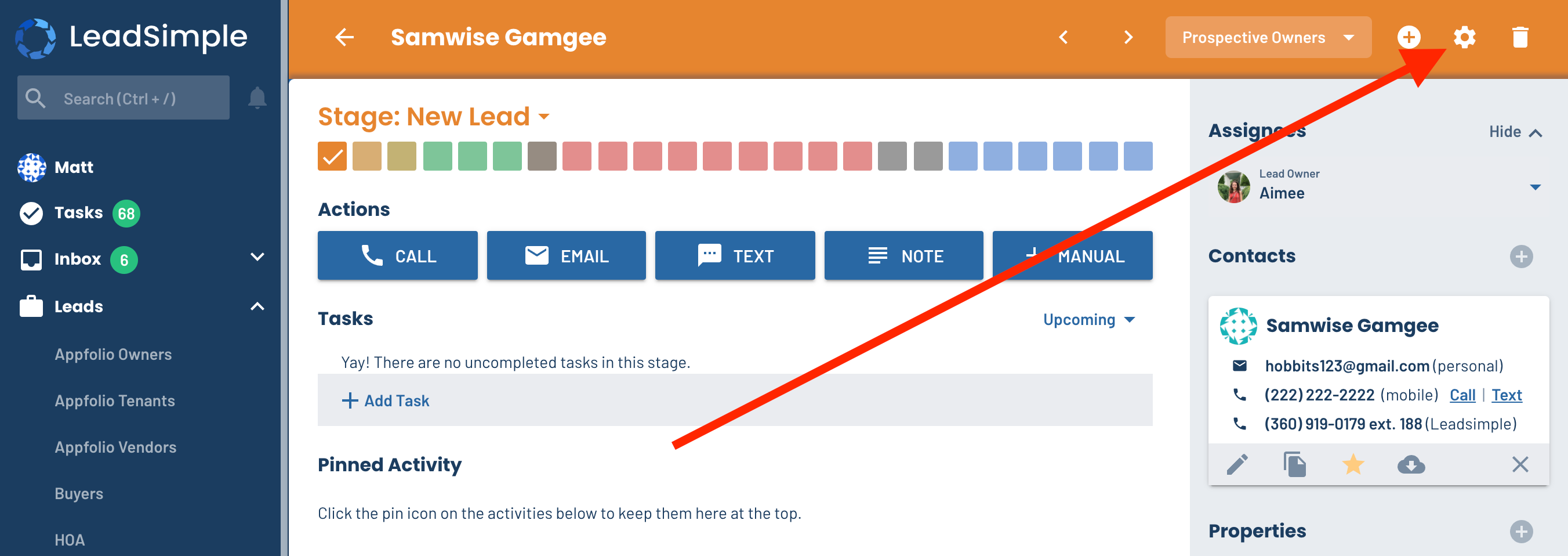
⚙️ Quickly access Pipeline settings from the Lead page
We recently added a direct link to the process page that navigates you to the workflow settings. This makes editing processes much easier. You asked if we could add this link to Leads too, so we did. Enjoy!
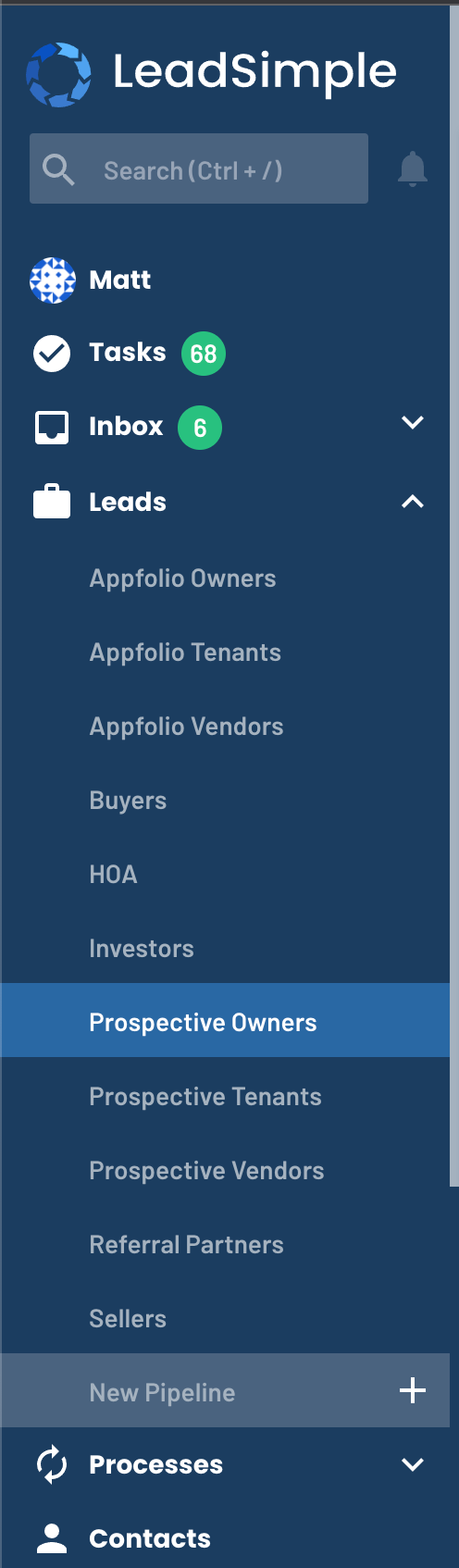
🗂 Easily navigate between processes and pipelines with condensed navigation
When you have a lot of process types and pipelines, the navigation sidebar can get really long. On most computers, that means lots of scrolling (and who likes to scroll to search for something?). To improve this, we condensed the navigation; everything takes up a little less space now. Say ‘hi’ to less scrolling. 🙌
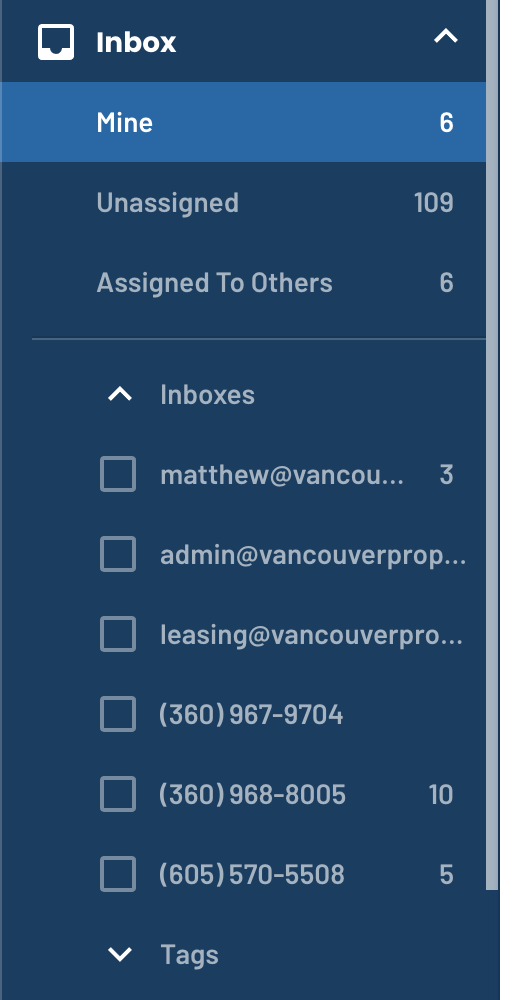
📥 Inbox Updates - Lots of new features!
Inbox got a lot of TLC in the past two weeks.
Brand new navigation interface between “Mine”, “Assigned” and “Assigned to Others”
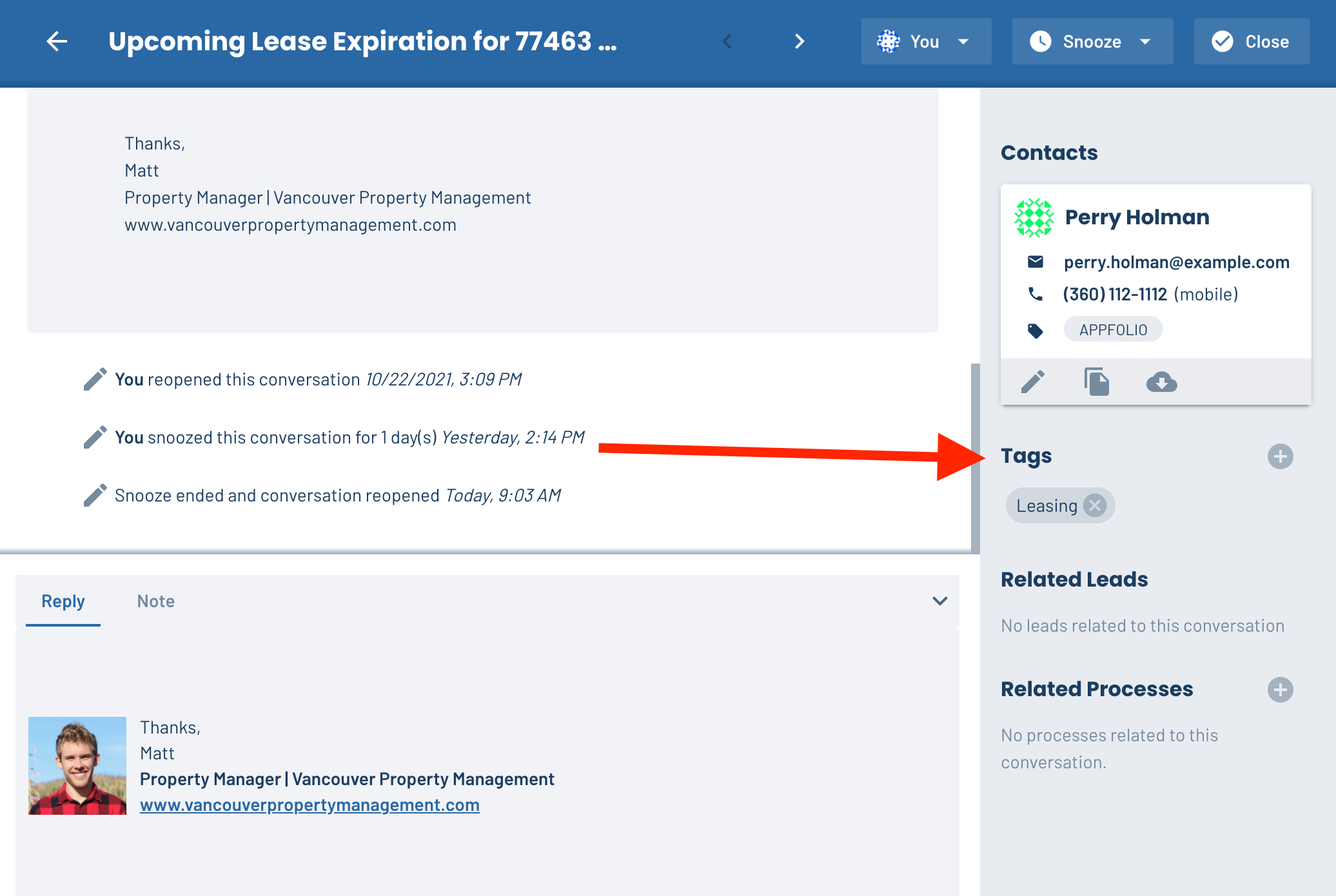
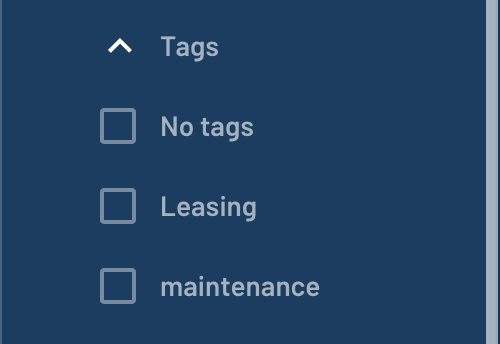
Tag conversations to categorize your Inbox by team (e.g. maintenance) and/or topic (e.g. plumbing)
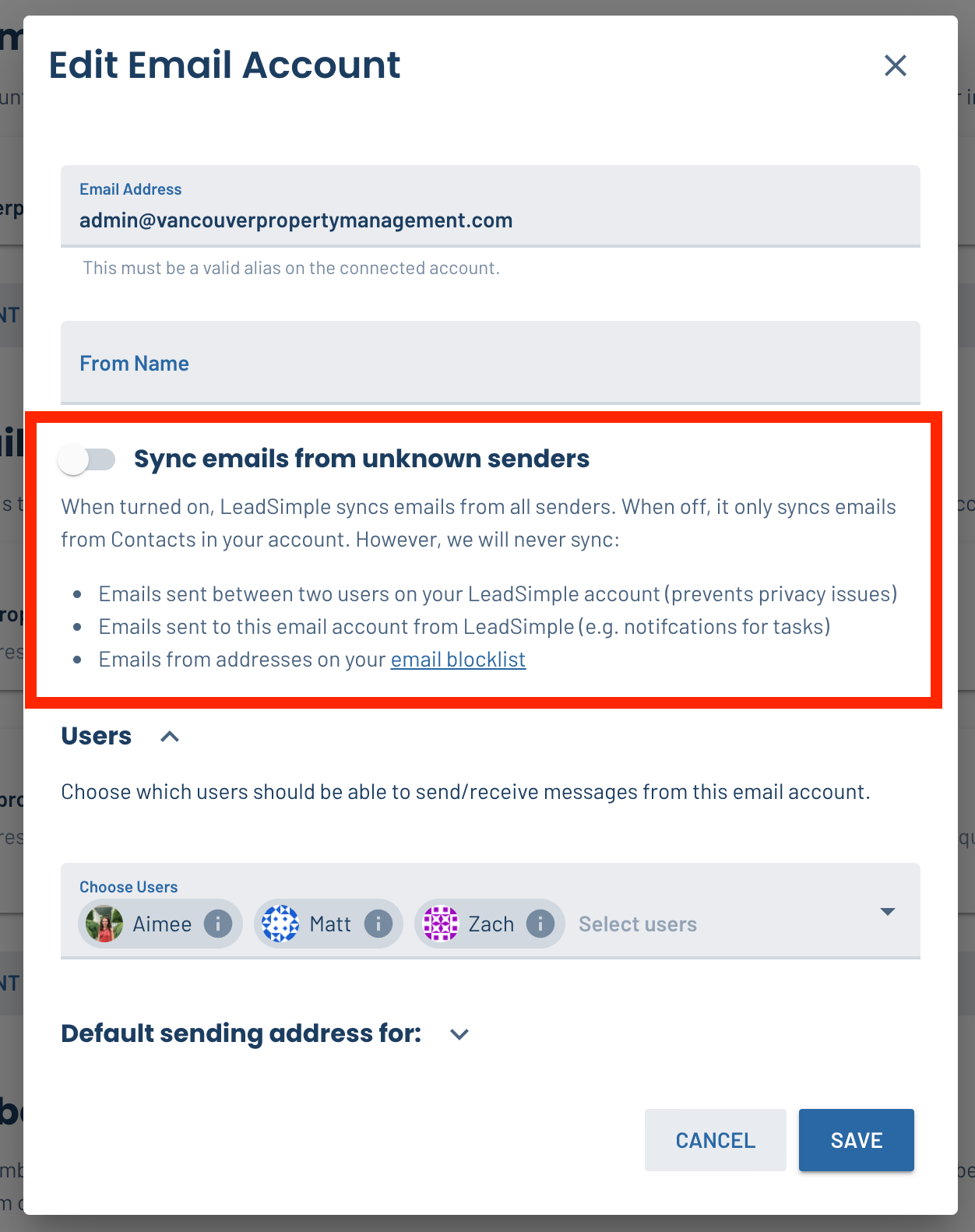
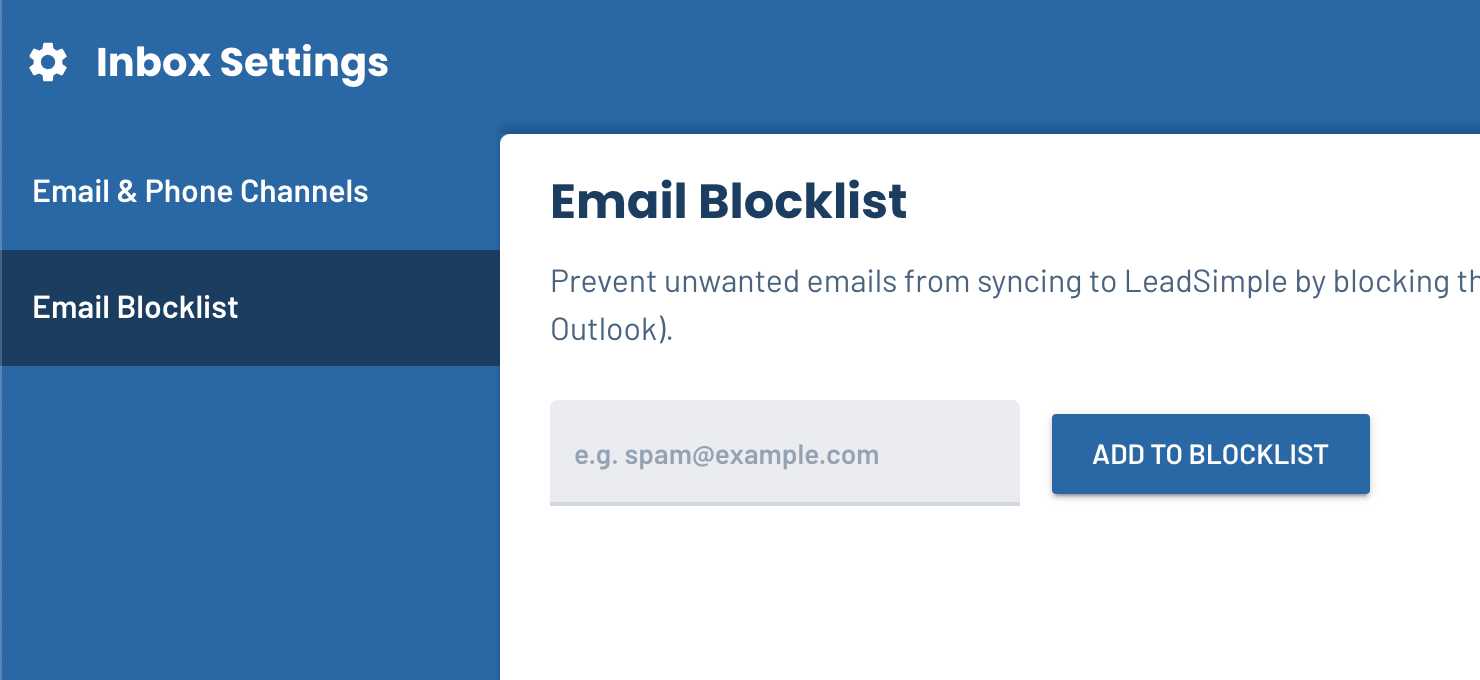
Optionally sync all emails from connected email accounts + an email blocklist interface
Want to primarily use LeadSimple’s Inbox for your email? No problem. Turn on “Sync conversations from unknown contacts” to sync all your emails to LeadSimple. If you don’t want to track emails from specific people, add their email to the blocklist to keep those out of Inbox.
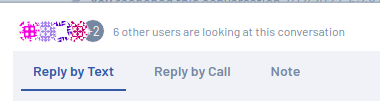
⚡️Automatically see who is looking at conversations in Inbox, and when you get new messages⚡️

Other Improvements:
- Use the word “Close” instead of “delete” when conversations are closed in bulk - Closing conversations never deletes them
- Rename “channels” to “Inboxes” in Inbox - “Inboxes” is easier to understand
- In Progress: Import tool to transfer emails into Inbox from Help Scout
That’s it for this week folks.