Thanks for checking out this round of updates. Do you have an idea of how LeadSimple could be improved? Post it at feedback.leadsimple.com!
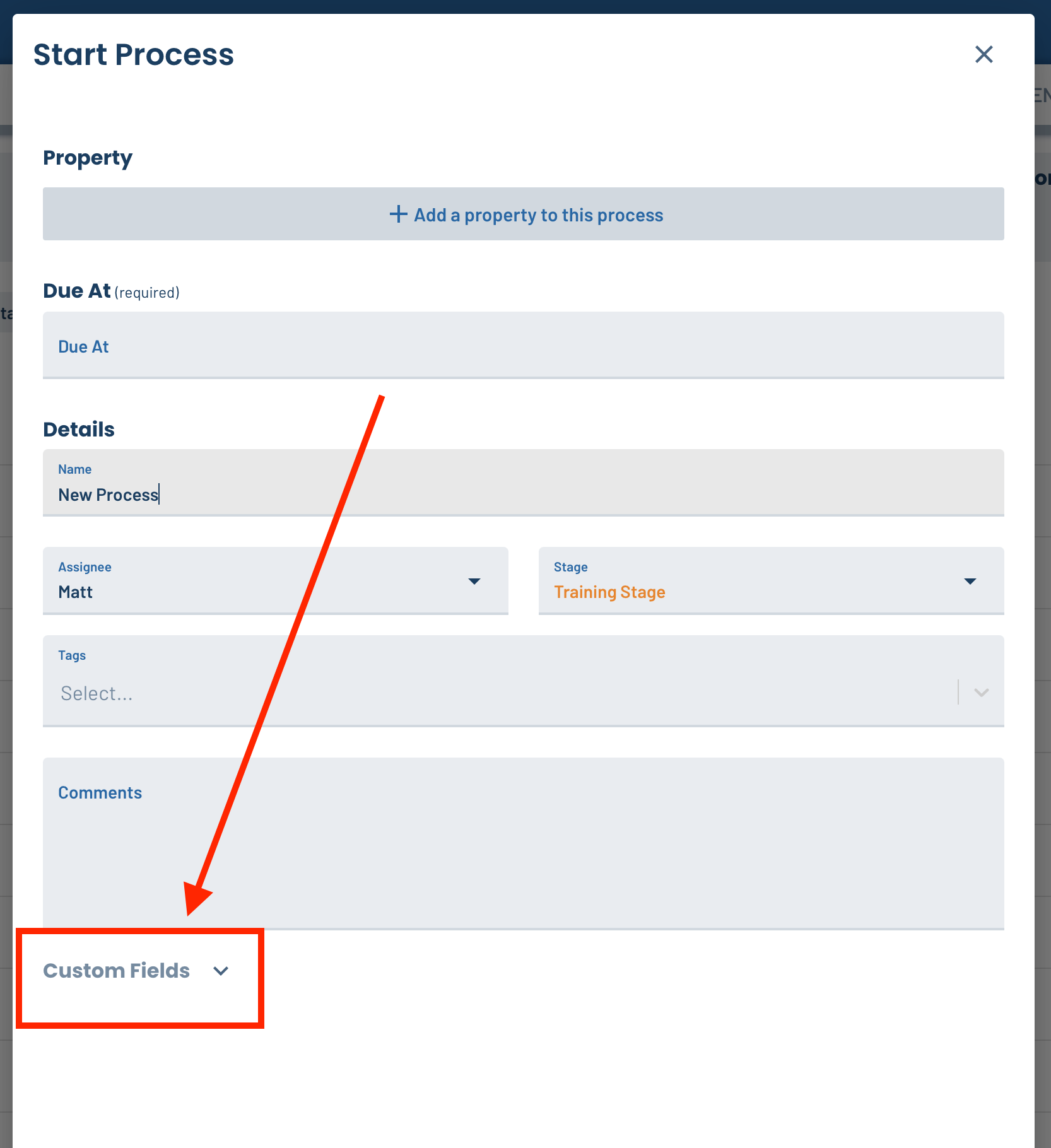
🙈 Hide custom fields in the create-process and create-lead forms
Some of you reported that custom fields don’t usually need to be filled out when creating a process or lead, and that your team was confused as to why these fields appear in the form if they aren’t meant to be filled out. To mitigate this confusion, we now hide custom fields behind a collapsed section in the form. You can still enter them if needed, but they’re less prominent now.
Prevent the support/chat bubble from blocking LeadSimple actions
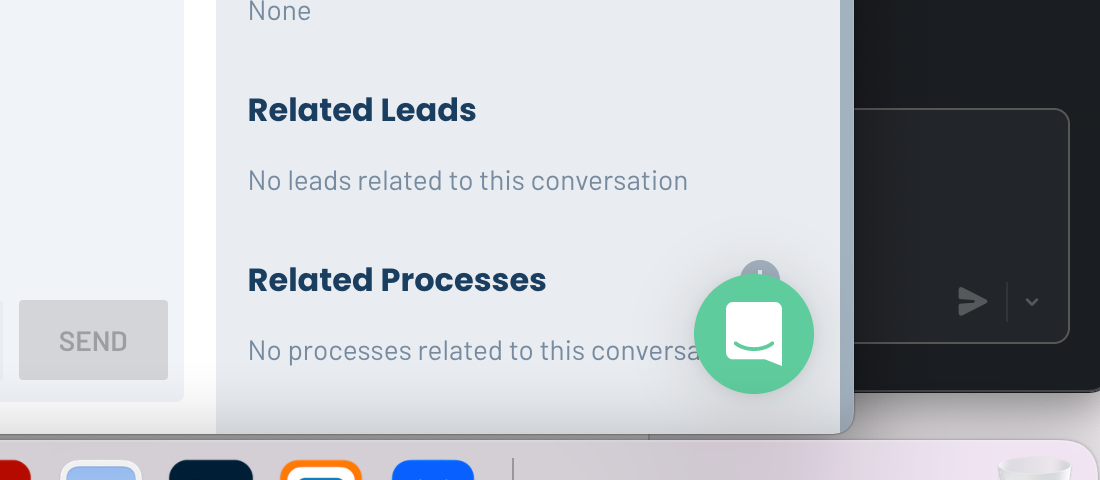
The support/chat bubble in LeadSimple was blocking actions on some pages in the software (see below). We fixed this so it should not longer be a problem.
🔁Buildium Integration Improvements
#1 Sync “unit occupancy” field from Buildium - Our direct integration with Buildium will now consistently sync “unit occupancy” to your properties in LeadSimple. This allows you to add branching logic to your processes based on whether the unit is occupied or vacant, just like our integrations with other property management softwares. #2 Easily merge your new Buildium data with your old Buildium data - When you switch to use our direct integration with Buildium instead of the old one, you can easily merge the new Buildium data in your LeadSimple account with the old Buildium data. Follow these instructions to do it.
📥 In Progress Inbox Improvements
- Inbox Reporting including First Response Time, Time To Close, Replies To Close, Conversations Closed, and New Conversation Volume. Get status updates about this here.
- Add a unique email signature to each of your email accounts, allowing you to customize your signature for each market you manage, or department you’re involved in, for example. Get status updates here.
- Phone number registration to comply with new policies for phone numbers being implemented by service providers (T-Mobile, Verizon, etc…)
🐛 Bug Fixes
- FIXED an issue where custom fields could not be dragged very far up and down the Custom Fields settings page
- FIXED an issue where the compose email window would not close on the iOS and iPadOS mobile apps