Have you ever wanted to have internal conversations with your teammates about leads and processes inside LeadSimple? Yesterday, you had to copy the link to the lead/process, send it to your teammate(s) and use an entirely separate system to have that discussion, and on top of that none of it was recorded in LeadSimple.
This is all changing today! [enter @mentions feature]
Now, you can mention (or tag) other teammates in Notes on leads, processes, and in Inbox conversations (read the blog post here).
Important: You’ll need to have a Growth and Operations subscription to use @mentions. See plans or upgrade here to get mentions and dozens of other features!
To use mentions, simply:
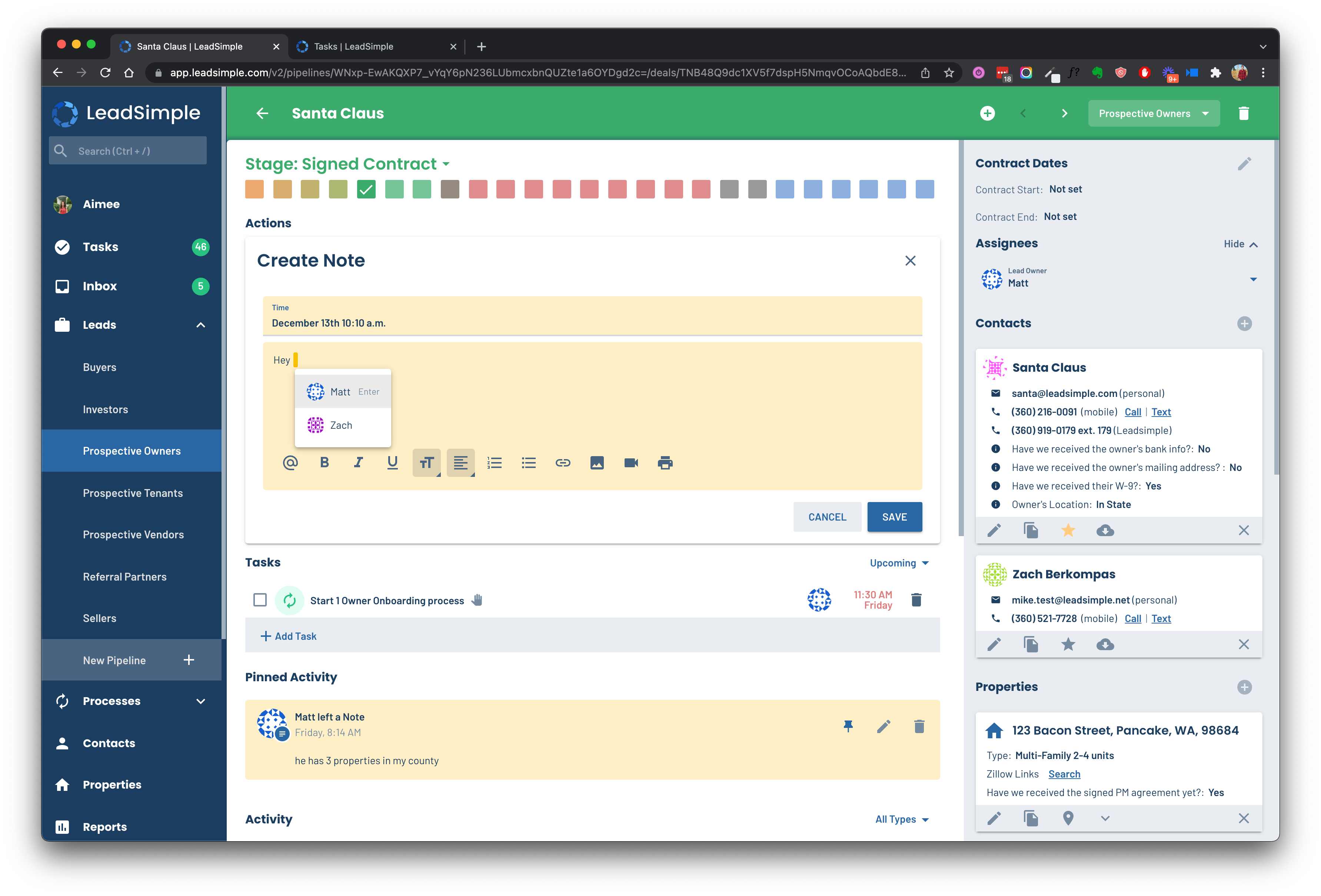
- Click the “Note” button on a lead, process, or inside an Inbox conversation,
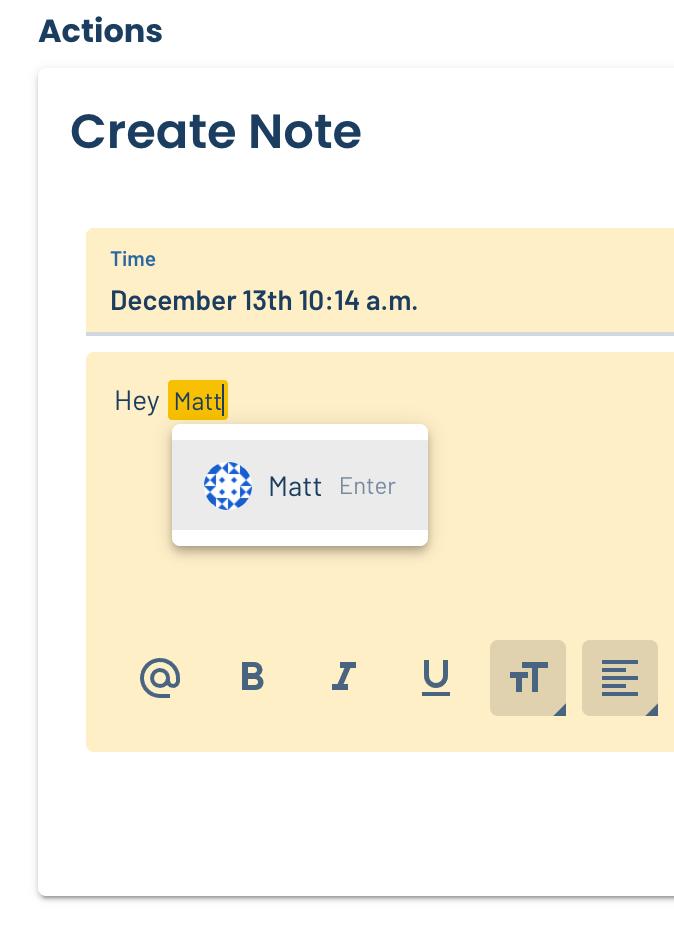
- Type @ and the name of the teammate you want to mention (or click @ in the toolbar)
- Save the note.
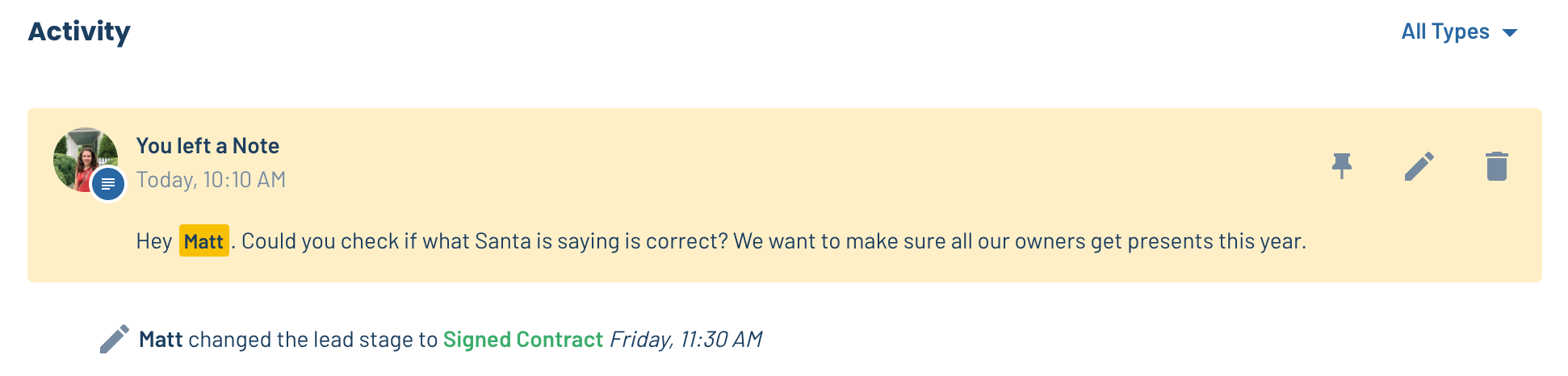
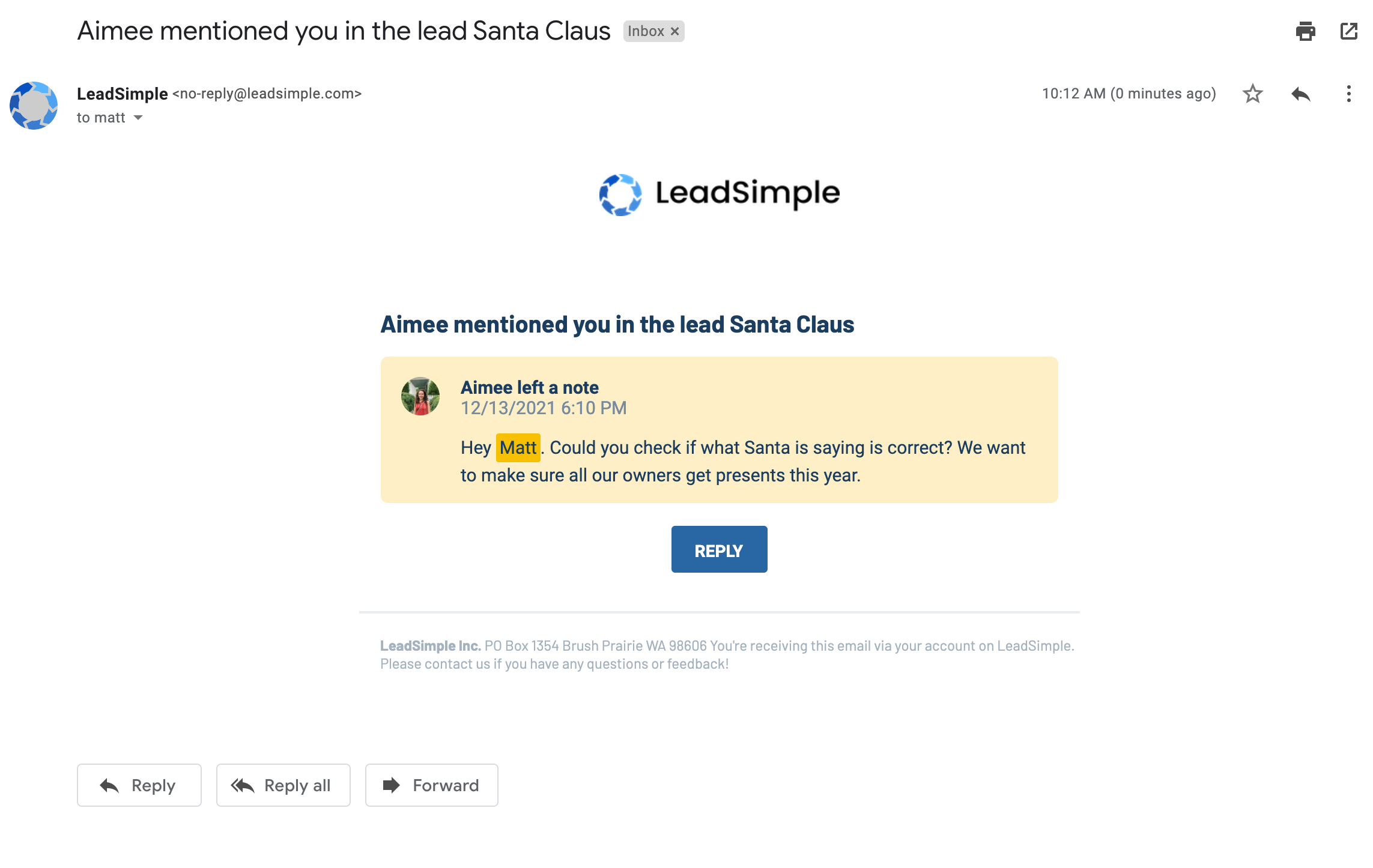
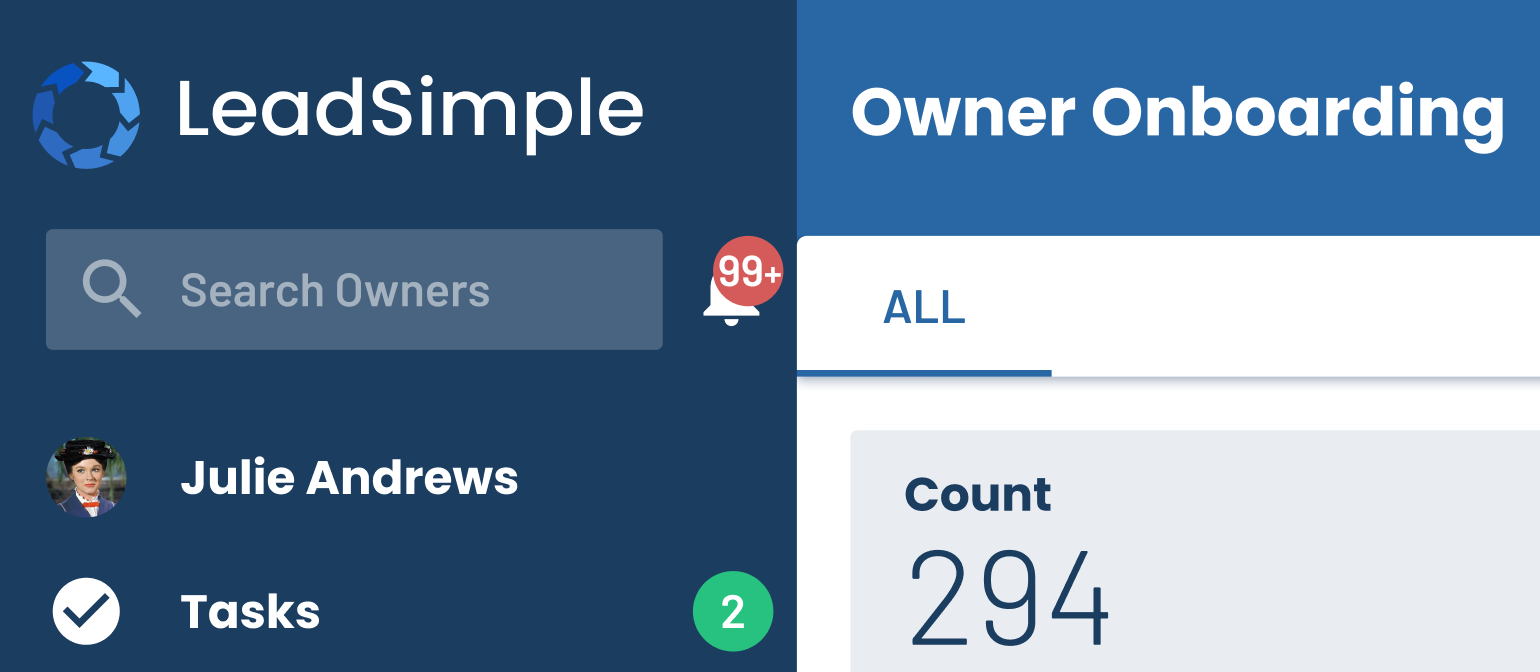
The @mentioned user gets an email notification and an alert in the ALL NEW alerts section, accessible by clicking the bell icon by the search bar:
Enjoy!
And here’s few more updates…
We’ve been working on more than @mentions in the past two weeks!
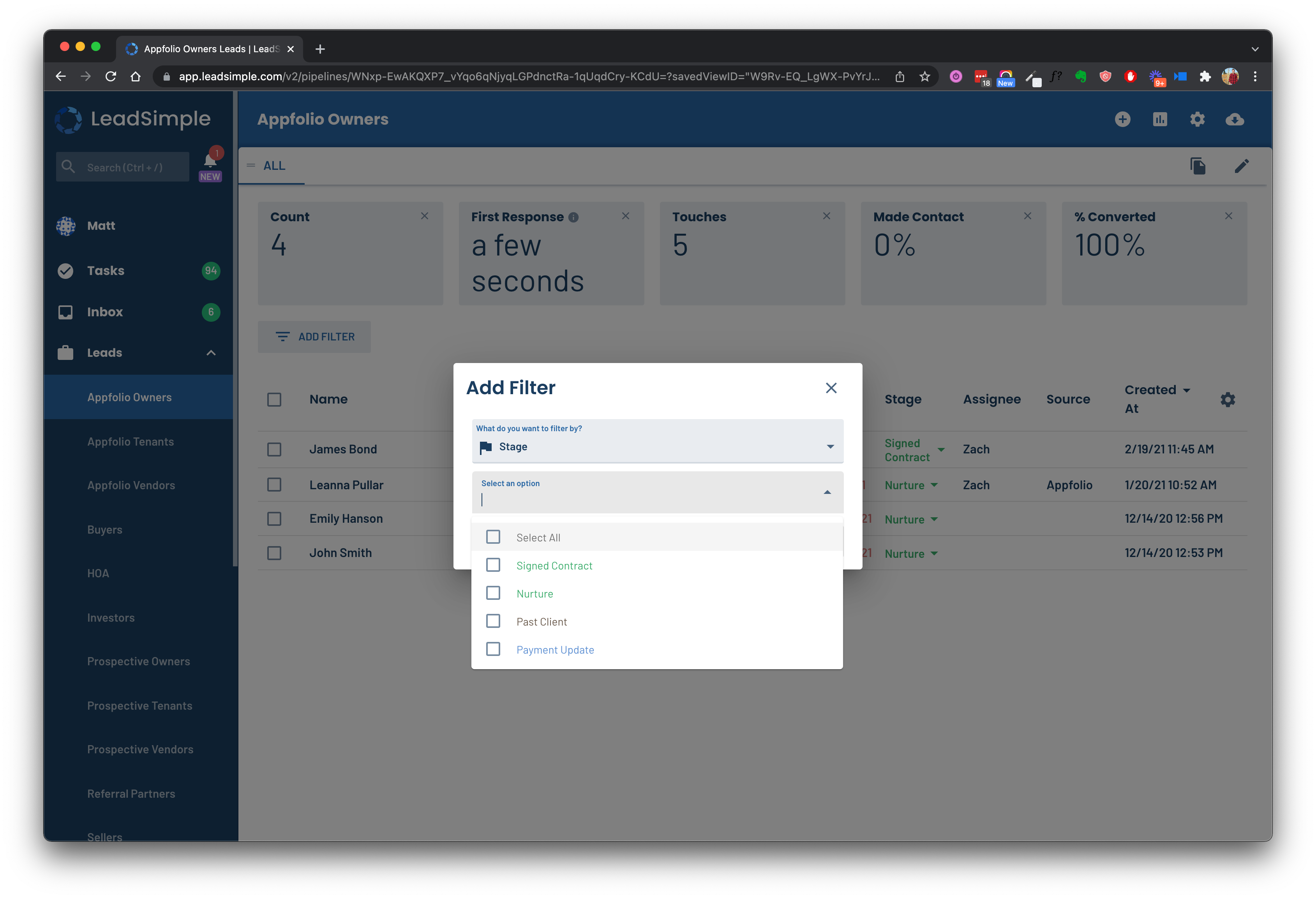
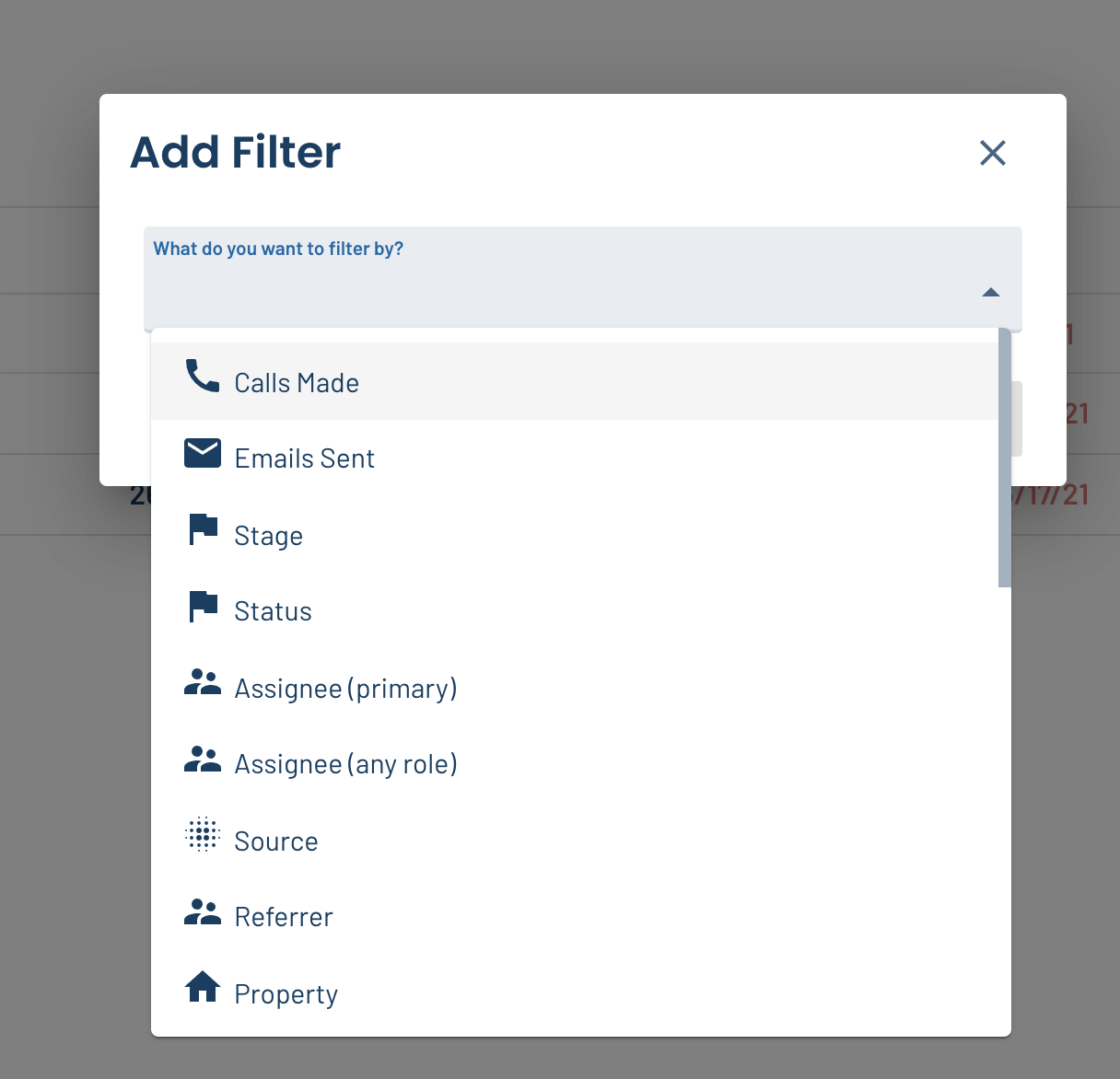
💨 Filtering lead/process lists is easier
It takes fewer clicks to add filters to your lead/process lists, and you can use keyboard shorcuts to further speed things up.
🕰 Set task due date for the earliest time within business hours Some of you voiced concerns about how workflow tasks were scheduled, so we listened! Now if a workflow task is due 1 day after the previous task and you complete the previous task at 1:30pm on Monday, the following task will be scheduled for 9am Tuesday instead of 1:30pm Tuesday. (See original post)
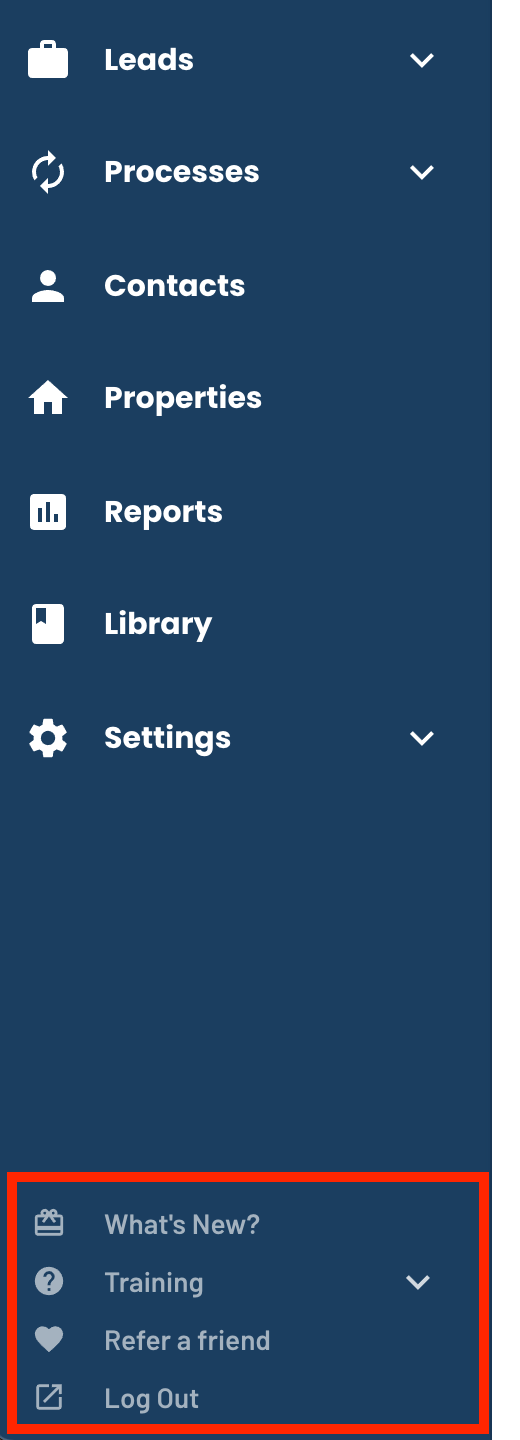
👌 The navigation is simpler
We moved some less important links to the bottom of the sidebar and made them smaller to make the most important links more obvious. This way, the less important ones don’t crowd your screen.
📥 Improvements to Inbox We’re working on some additional features for Inbox now. Stay tuned for more soon!