We’ve been hard at work turning your feedback and requests into new features and improvements this month. Here are a few of the latest updates.
Improve the display of skipped tasks
Users can skip tasks in a process by clicking the trash icon on the right. Now LeadSimple will both track that a task was skipped AND tell you who skipped it.
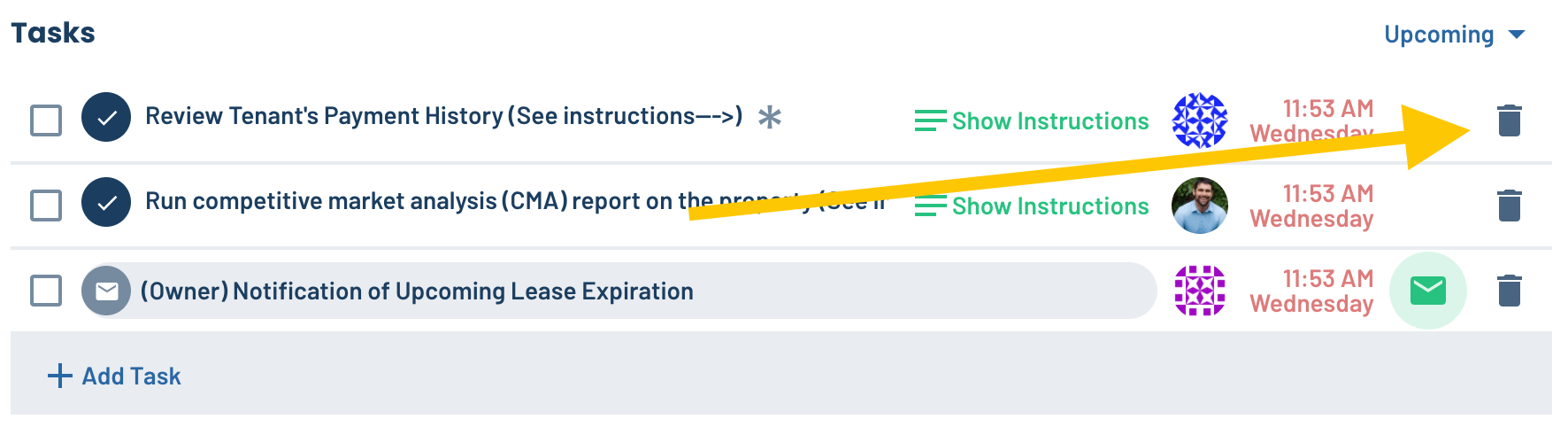 An activity will be recorded in the feed.
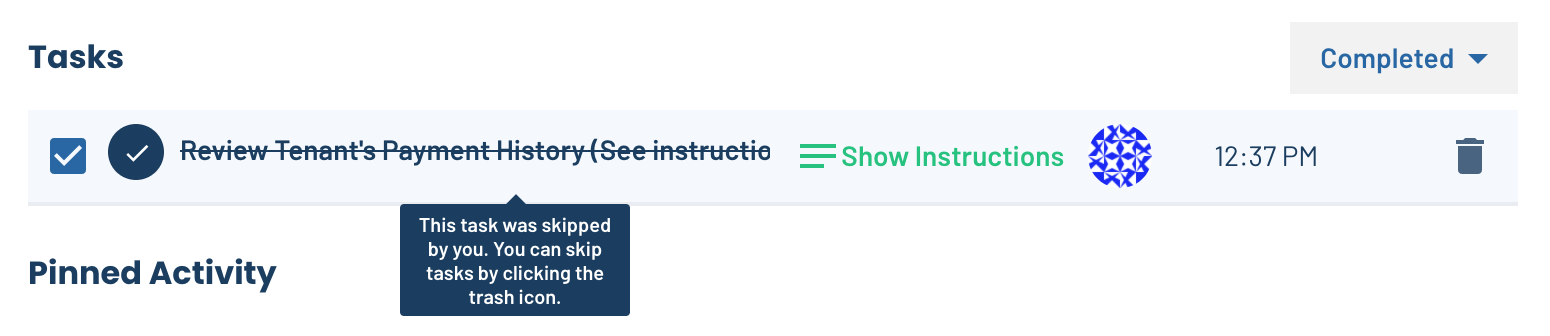 And you can find all skipped tasks under the “Completed” section. Hover over the crossed out task to see who skipped it.

Only display merge tags for relevant custom fields
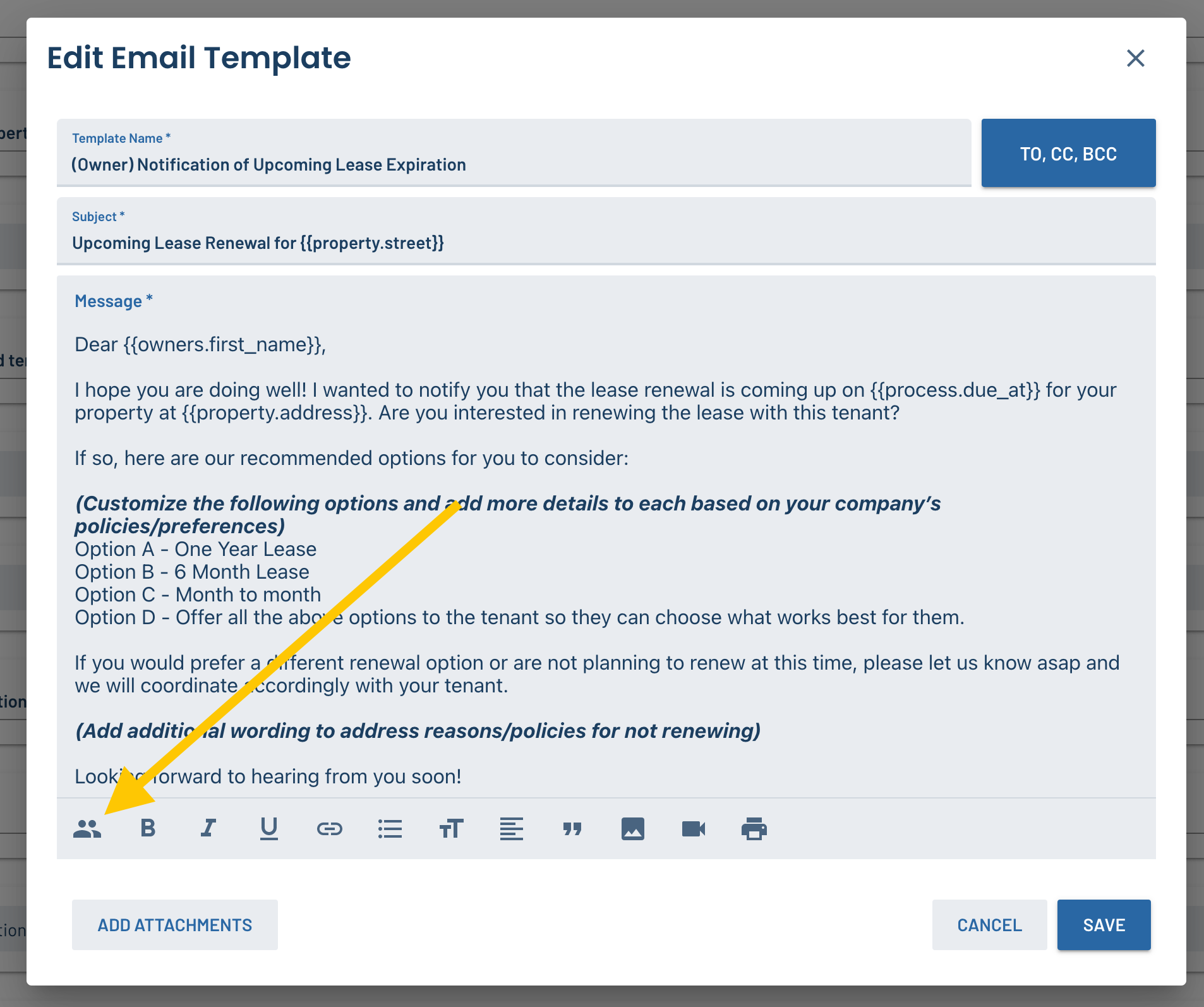
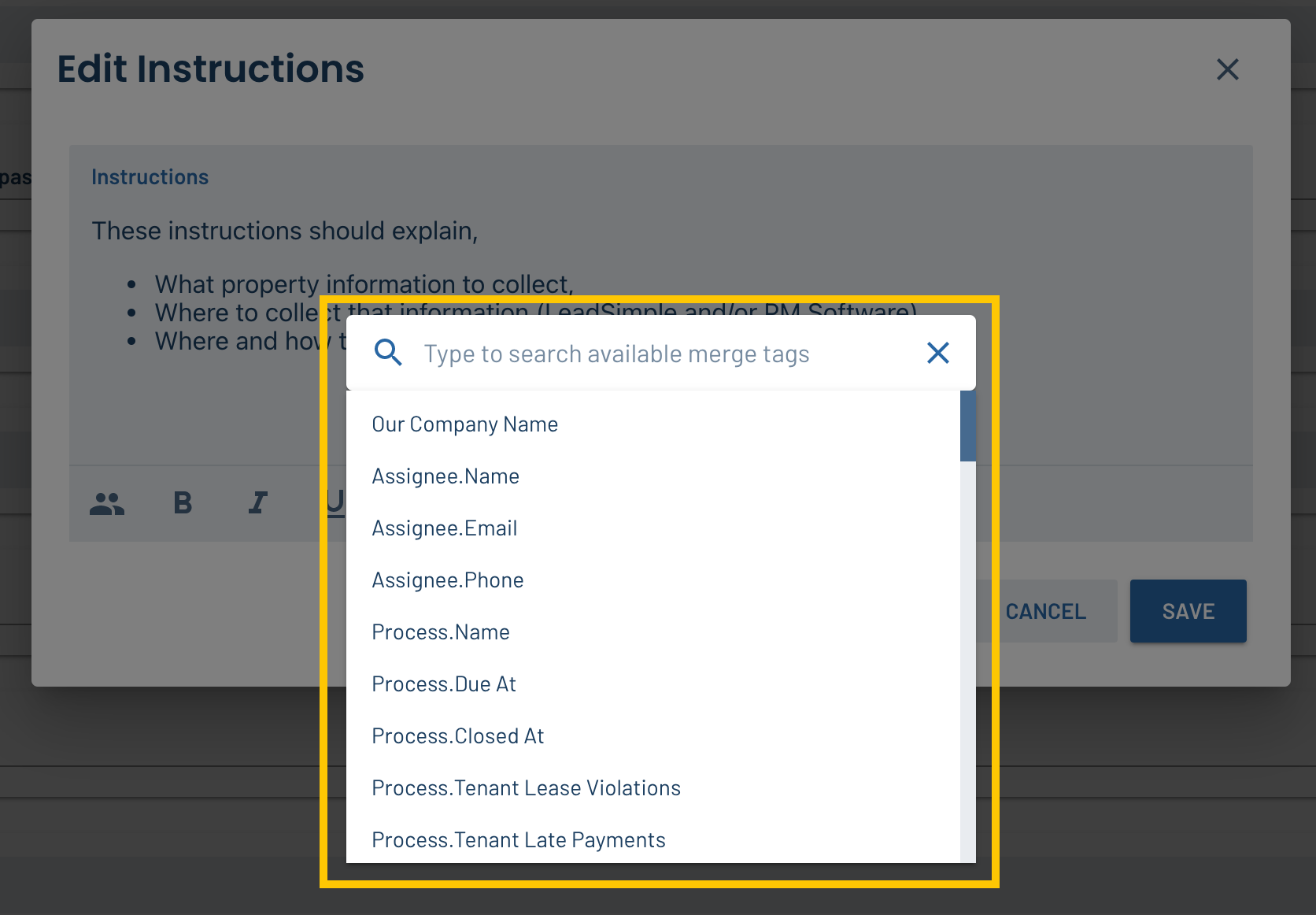
In email templates and task instructions, you used to see all the available custom fields on your account when you wanted to add a merge tag. Now only the custom fields in the pipeline or process you’re looking at will show up in the list, making it easier to find the one you want.
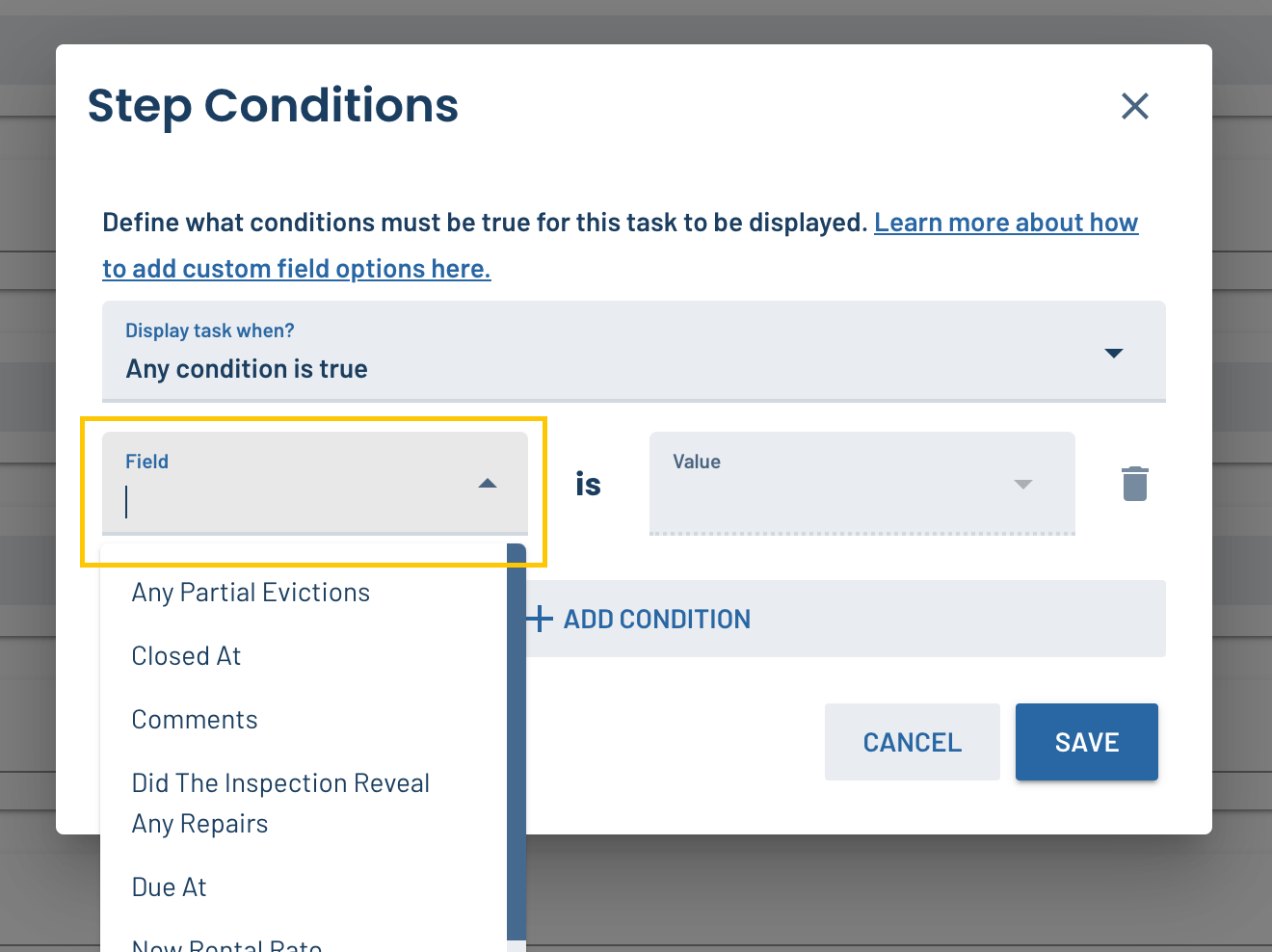
Searchable dropdown menu for conditional logic fields
When you’re adding conditional logic to a process, you can now use a search bar to find for the custom field you want to use. This should be a LOT easier than scrolling through the list!
FIXED: A bug where the completed tasks filter wasn’t working
If you were experiencing this issue, rest assured that it is now fixed. Sorry about that.
Updates to our Zapier integration
We added several new and powerful triggers and actions to our Zapier integration!
- Triggering a zap based on an individual task being completed
- Updating a property
- Updating a unit
- Updating a contact
- Updating a process
Check out all the available Zaps here.
FIXED: A bug where the “occupancy” selector on a property could only be edited once
This effected a few of you, and it should be all fixed now. Feel free to update that field to your heart’s delight.
Have a feature idea, or issue to report? Head over to feedback.leadsimple.com and let us know!