⏱ Track first response time within set office hours
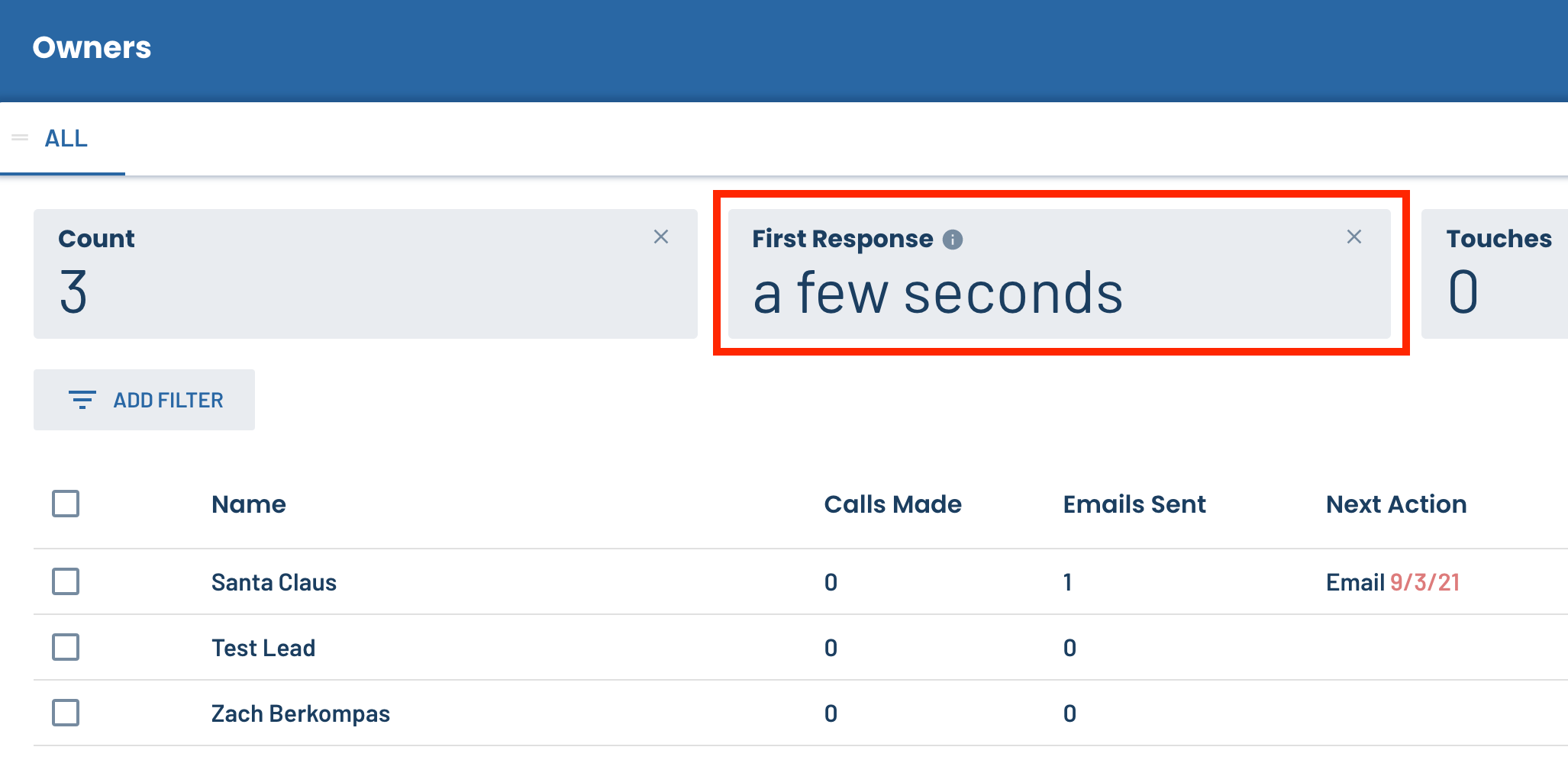
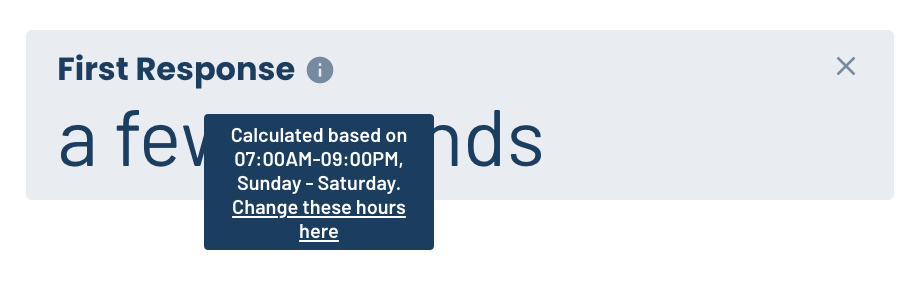
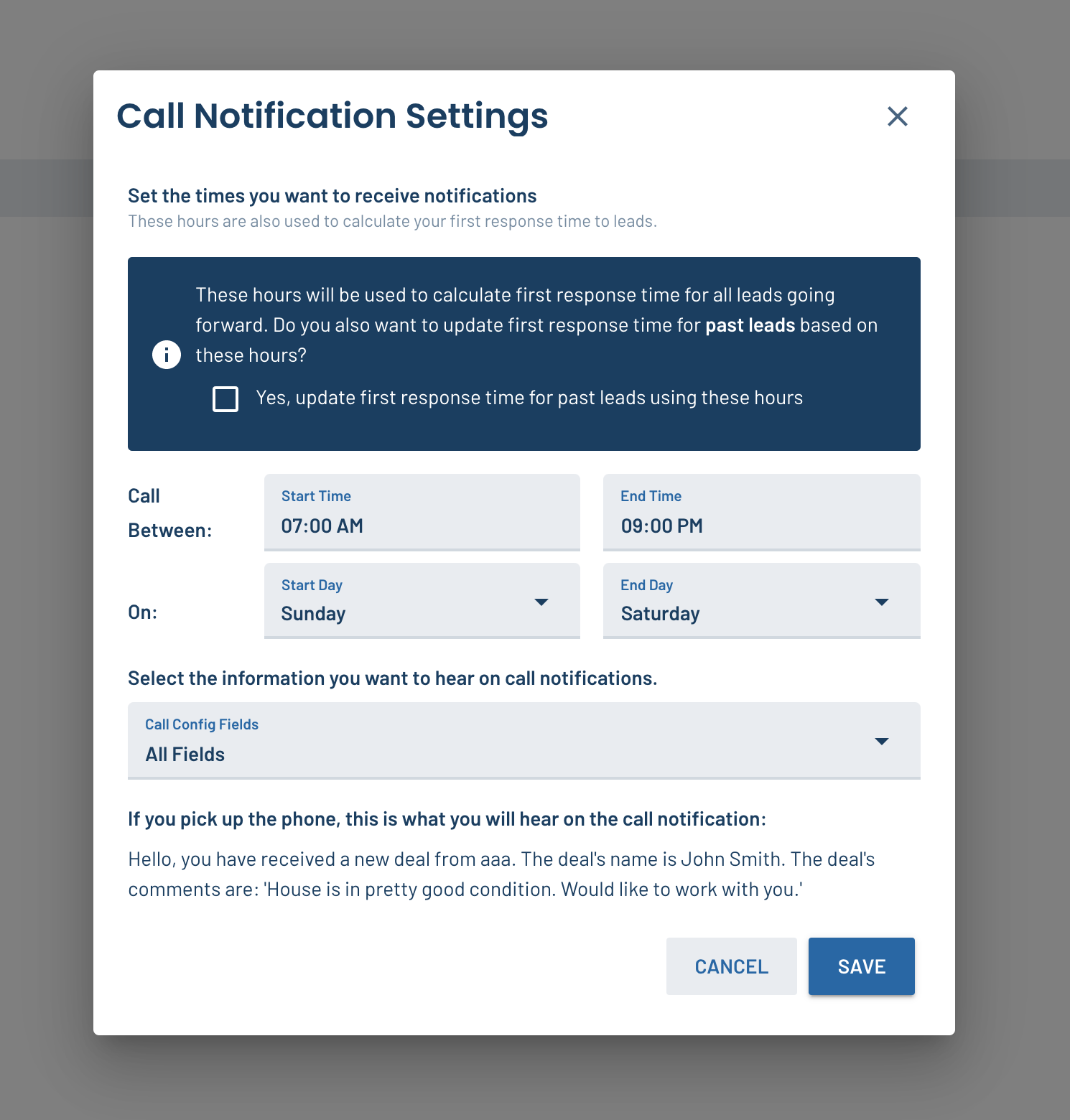
Your first response time to new leads is critical to closing a sale at the end of the day, and we’ve made it easier to calculate that metric accurately! Now, LeadSimple will calculate the “first response” metric on your lead dashboard within the office hours you set in your new-lead notification settings.
☎️ See which leads are waiting on your replies
When you check your email inbox, you’re usually checking if you’ve received any new emails from leads or customers. But there hasn’t been an easy way to see that from within LeadSimple (you had to switch tabs to your email instead). Now there is! With the “Last Touch Direction” and “Last Inbound Touch” columns and filters, you can create a customized view of your leads that shows you who is waiting on your reply and when their last message or call was sent/made. To set it up:
-
- Add the columns to your lead dashboard (instructions)
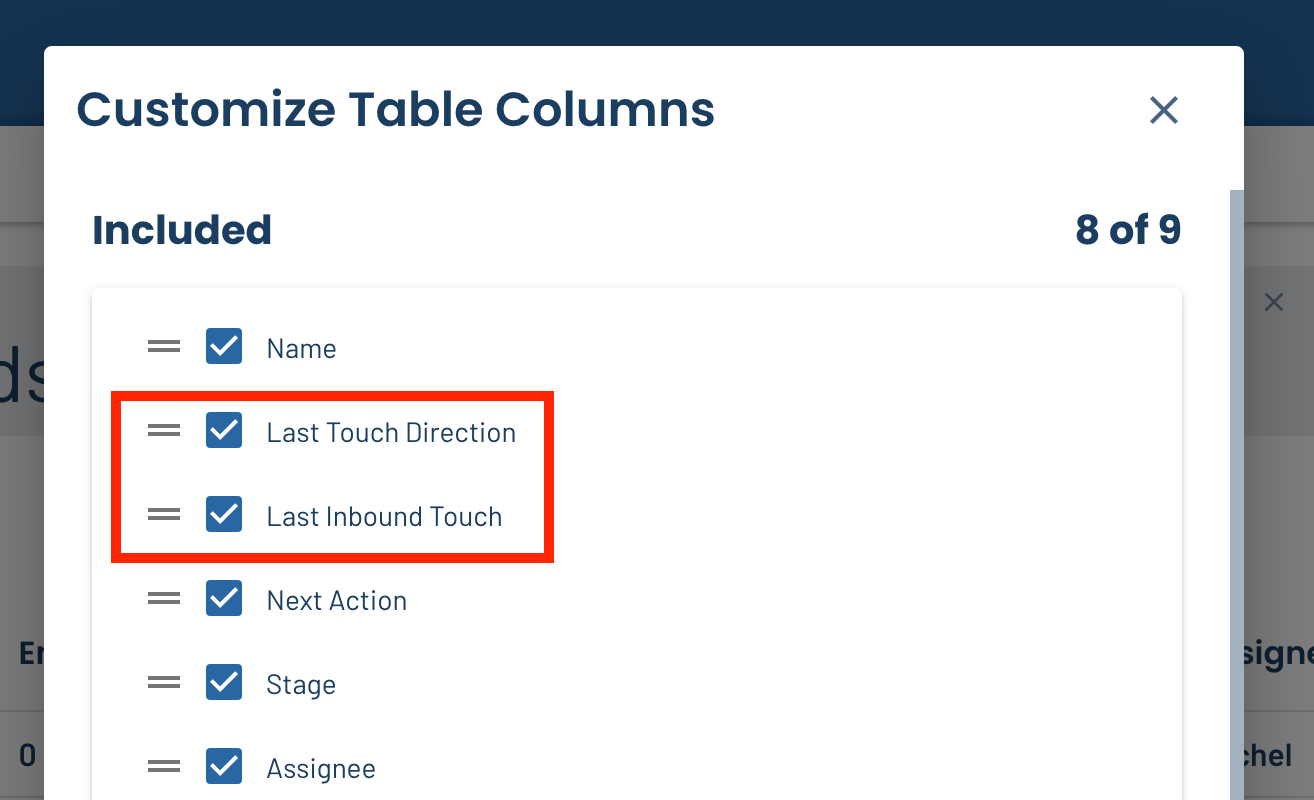
- Add the columns to your lead dashboard (instructions)
-
- Filter your lead list by “Last Touch Direction: Inbound”
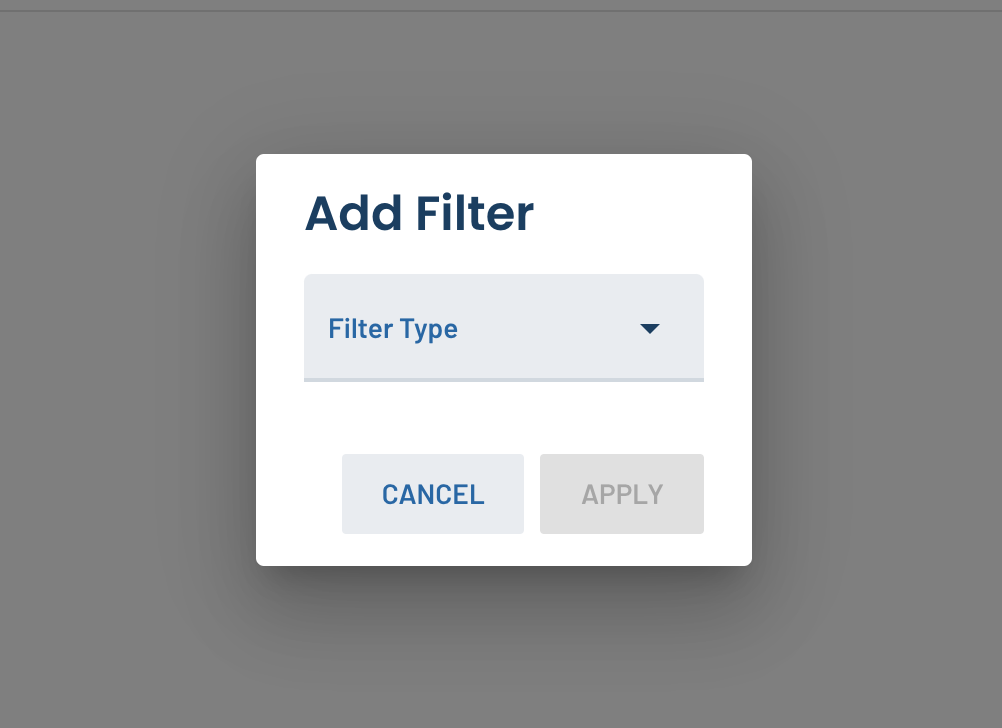
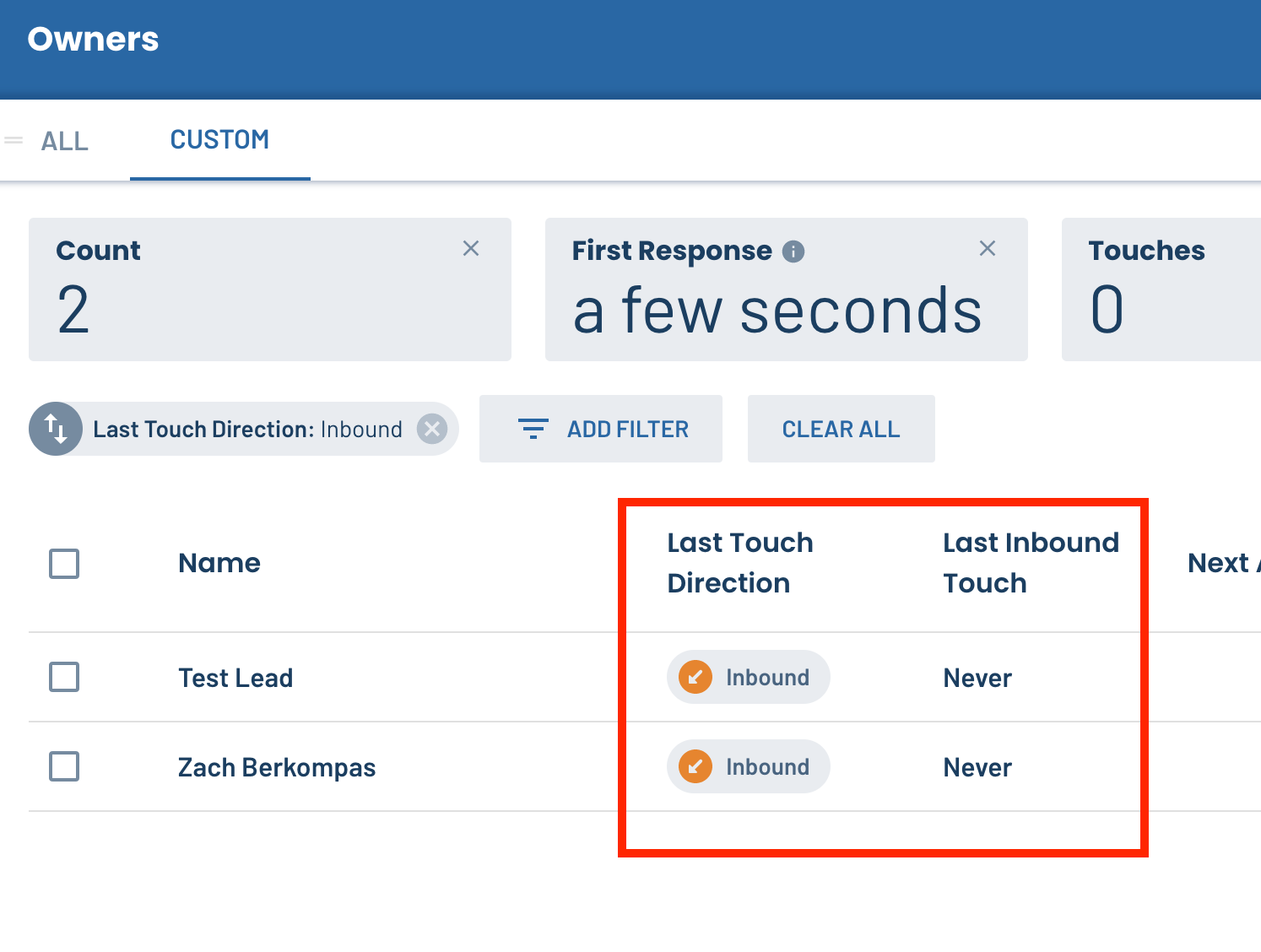
- Filter your lead list by “Last Touch Direction: Inbound”
🚪 Track the number of doors on your lead dashboard
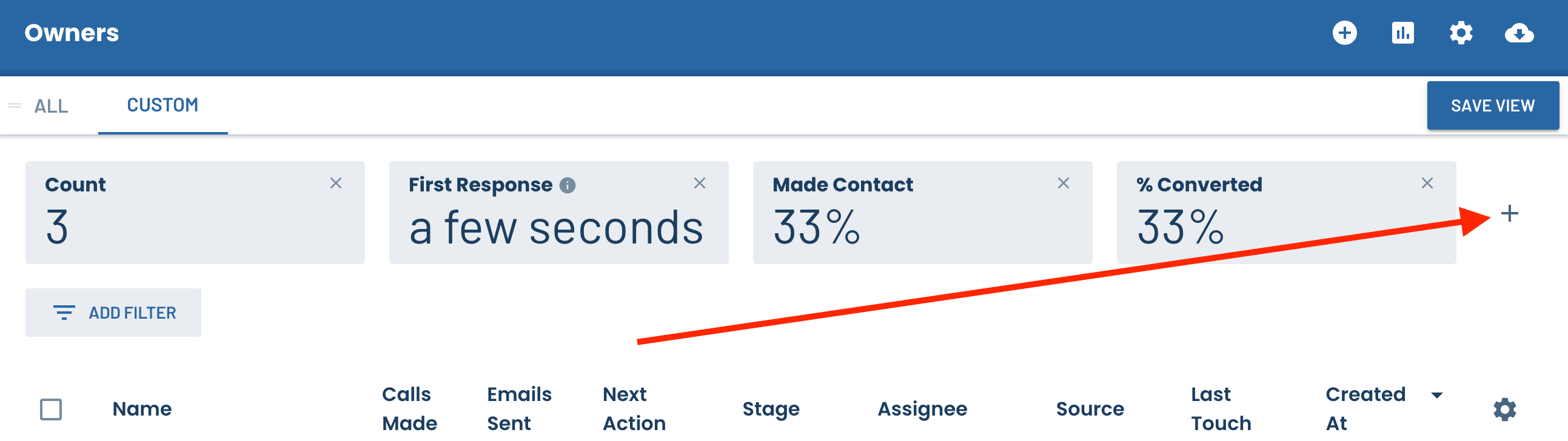
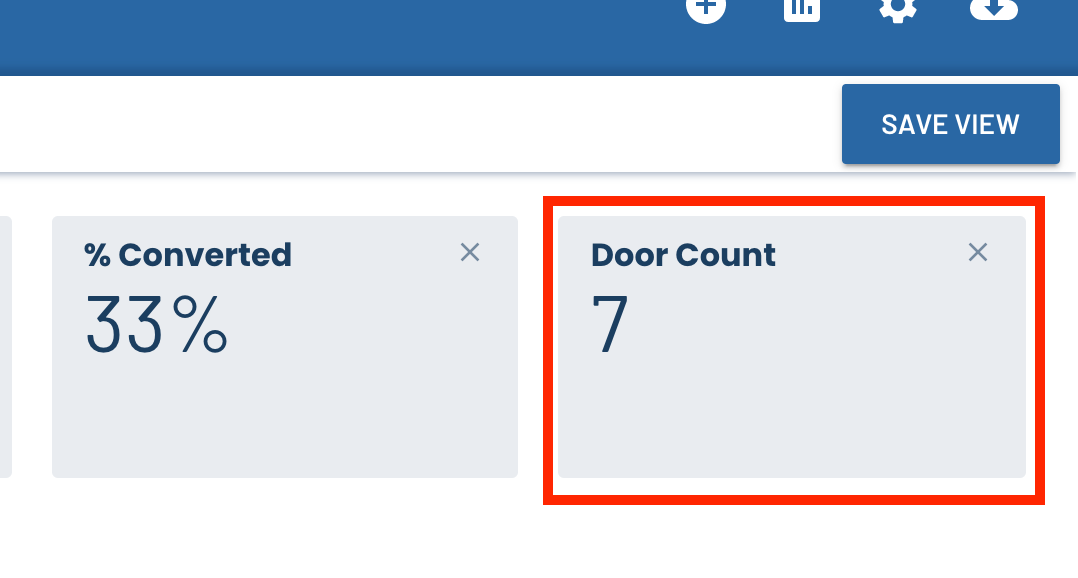
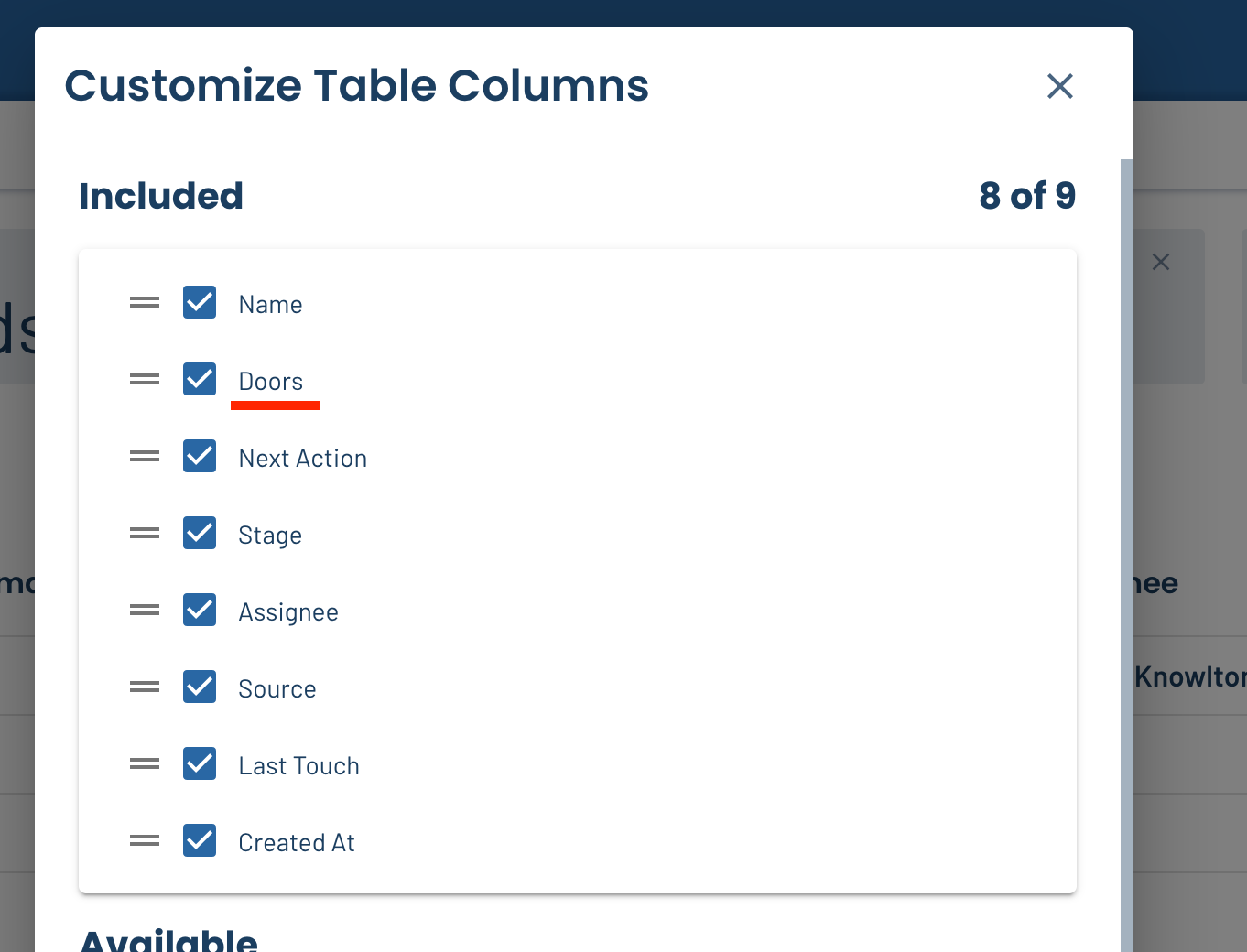
Ever wondered how many total doors (properties) you brought on last quarter? Do you stress over how many doors you might have lost last quarter? While you could view these metrics on the Closed Business Report already, we added them to your lead dashboard as well so you can view them either as a statistic, or a column in the list if you want to see the number of doors a specific owner brought on.
📨 Inbox Updates
The Inbox module is nearly ready for beta testing! Yep, we’re just as excited as you are 😄 Stay tuned, and let us know if you’d like to join the beta program!
🪲 Miscellaneous bug fixes
Nothing to note this week, but whenever you (one of our awesome clients) reports an issue, we’re getting it fixed ASAP.
Want to influence LeadSimple’s roadmap? Leave your feedback on how LeadSimple could be improved at feedback.leadsimple.com. We review and consider every request!
That’s all folks!